
DJ controller or standalone: which suits you best as a beginner?
Published on Monday 3 August 2026
You want to learn to DJ, you’ve got a budget, and you’re facing that first real decision: a controller that connects to your laptop, or a standalone system that plays the music by itself. Both options work perfectly well, but they suit different situations and different ways of working. Here are the key differences to help you make your choice.
How does each setup work in practice?
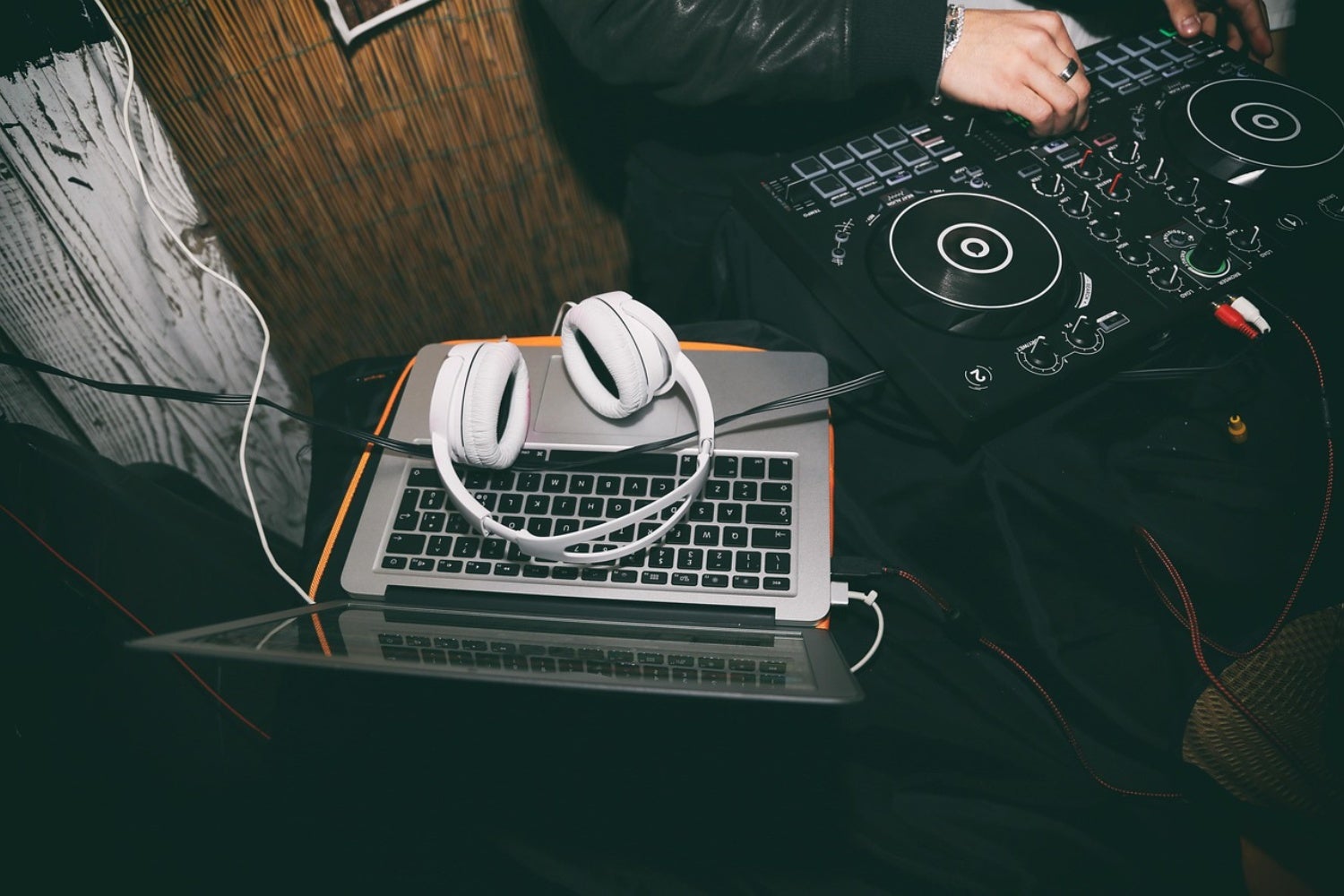
A DJ controller is essentially a control panel for DJ software on your laptop. You connect it via USB, open the software, and you’re ready to start mixing. The computer does the real processing work: it analyses the music, manages your library and handles the audio channel. Without a laptop alongside it, the controller simply won’t work.
A standalone system works differently. You load your music onto a USB stick at home via your computer, plug that stick into the device, and after that you no longer need the laptop. Whether you go for an all-in-one unit or a set of two separate media players with a mixer in between: the device plays independently. The laptop stays at home — you only need it for preparation.
» Which is the best DJ controller for me?
Price and portability: the practical picture
Controllers are cheaper than standalone systems, especially when you’re just starting out. For an entry-level controller with software, you’ll spend considerably less than for a standalone all-in-one, let alone a full setup with two separate media players plus a mixer. That price difference is big enough to settle the choice straight away for many beginners.
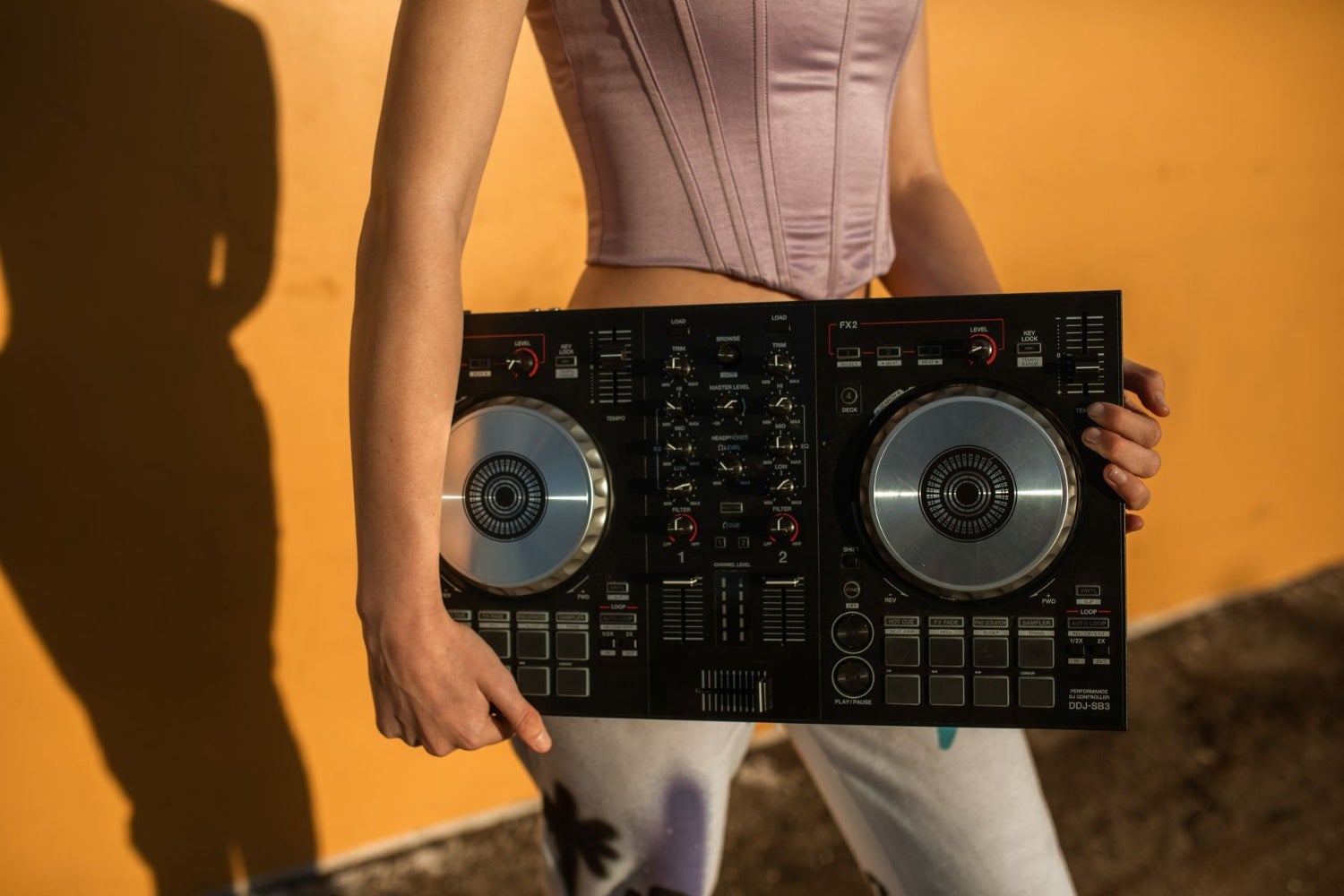
Controllers also win on portability. A compact controller fits in a backpack; a standalone all-in-one or a dual media set with mixer doesn’t. If you want to play at a friend’s party or regularly move between locations, that advantage counts for a lot. Literally too: carrying a large standalone unit around feels like a rucksack full of boulders compared to a light sports bag.
» View all DJ controllers
» View all DJ starter sets
What are the downsides of each approach?
The biggest downside of a controller is its reliance on your laptop. It has to come along to every gig, stay switched on, remain connected and not crash. Ever seen a laptop freeze at exactly the wrong moment? That’s not something you want happening in the middle of a set. However reliable your system is, the risk of a technical hiccup increases the more devices are working together.
With standalone, you’re playing without that external variable, but you pay a different price: your music library is limited to whatever you’ve put on that USB stick. Get a request for a track you haven’t exported? Tough luck. With a controller, you’ve got your entire library at your fingertips, as long as it’s stored on the laptop.
» Which is the best DJ CD or media player for me?
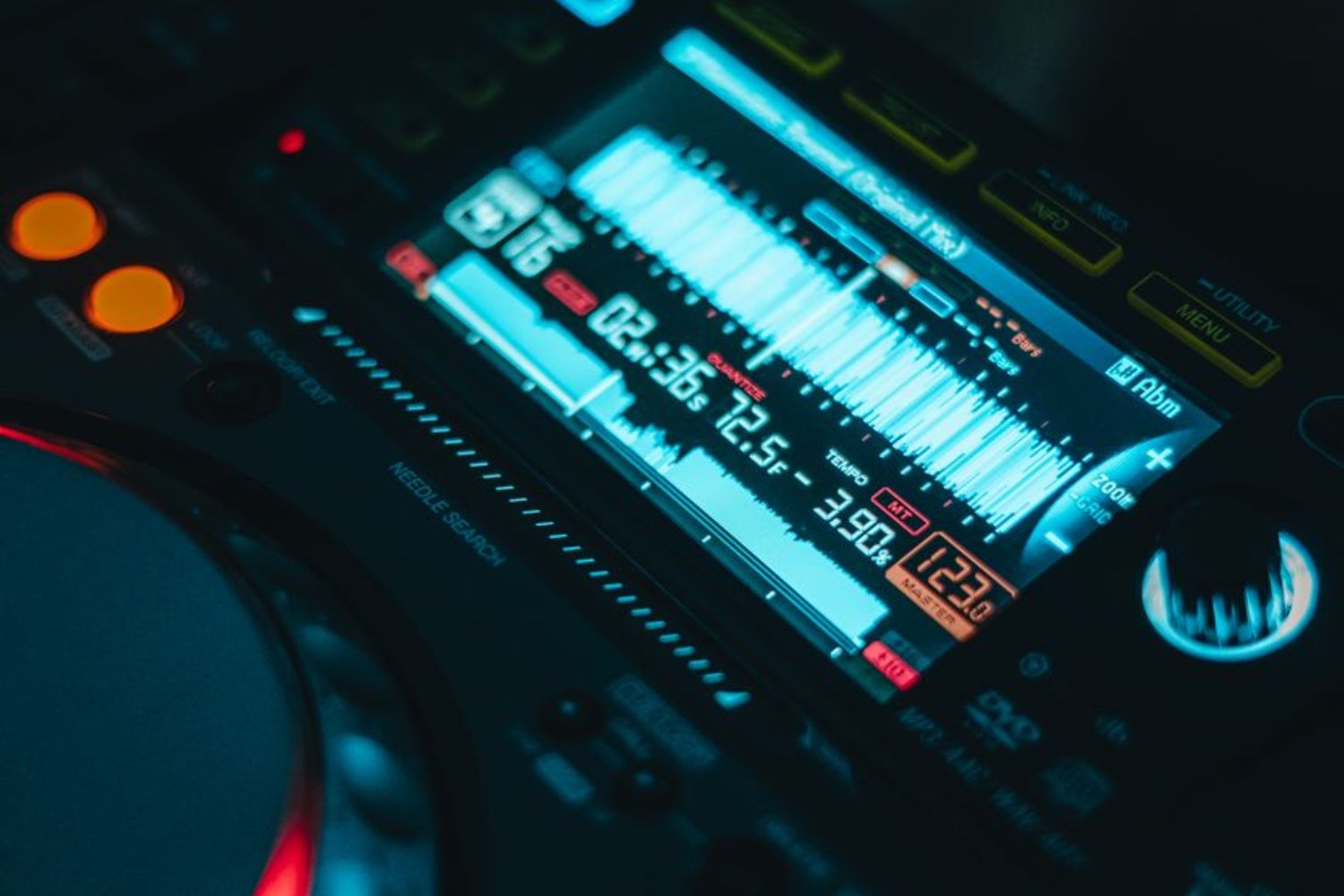
Which setup suits you?
If you want to practise at home, have a limited budget and want to stay flexible, a controller is the obvious choice. You’ll learn the basic techniques, have access to all the features of your DJ software, and can update as soon as new features become available — software tends to gain new features sooner than standalone firmware does. Fancy mixing on a tablet instead of a laptop at some point? Many controllers make that perfectly possible.
If you’re aiming to play in clubs eventually, standalone is the best choice. Professional venues are almost always equipped with two separate media players and a mixer in between. If you work the same way at home, you’ll step behind a familiar system in a club and instantly recognise the workflow. That’s a big advantage when you’ve got little time to settle in on the night.




No comments yet...