
Fixing trigger problems on your electronic drum kit: crosstalk, double triggers and a stubborn hi-hat
Published on Friday 9 October 2026
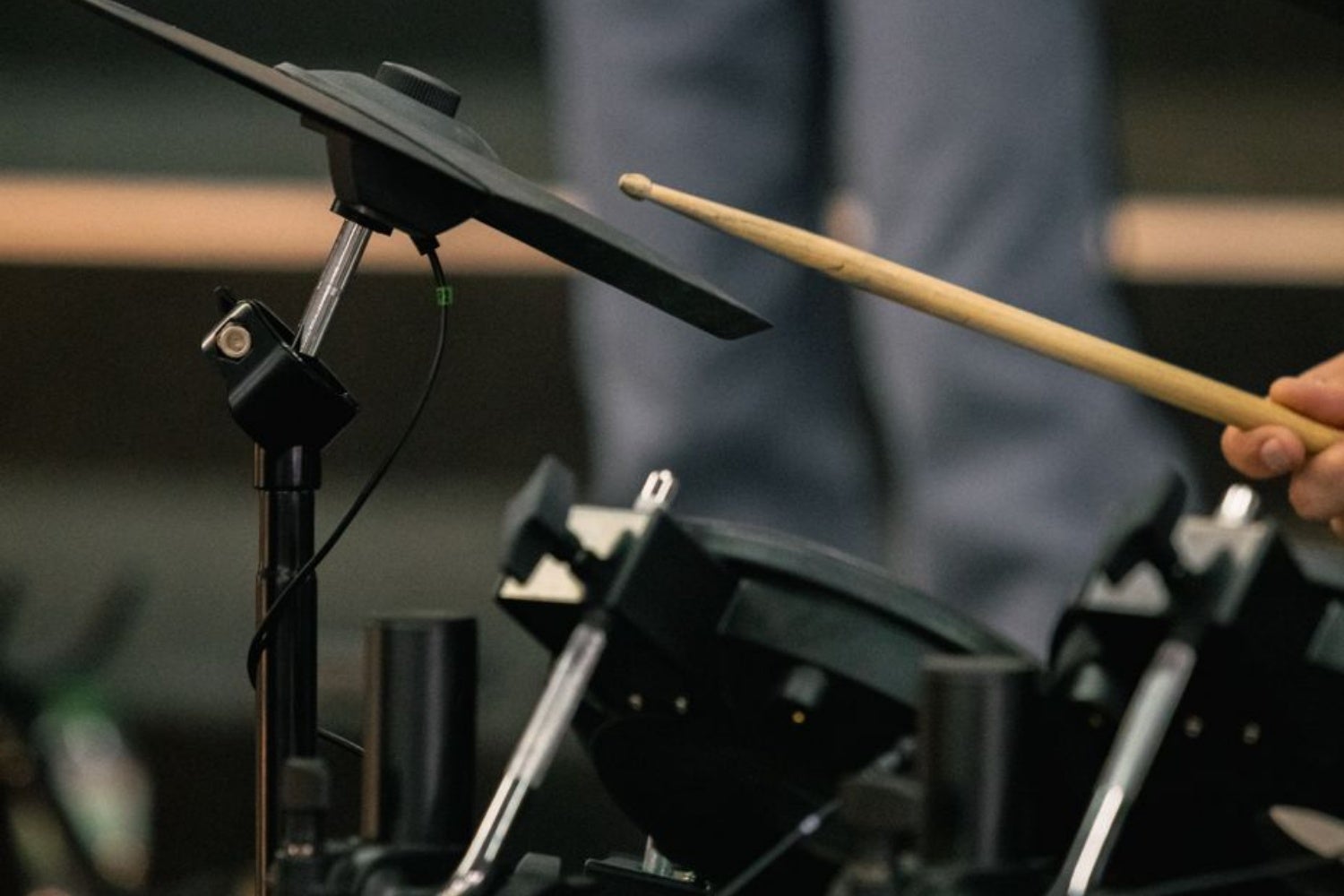
A crash that sounds when you hit the floor tom, a kick that plays twice or a hi-hat that stays open while your foot is on the pedal: trigger problems are infuriating, but you can almost always fix them with a few settings in your electronic drum kit’s module. You just need to know which setting to change and, above all, by how much.
What happens when you hit a pad
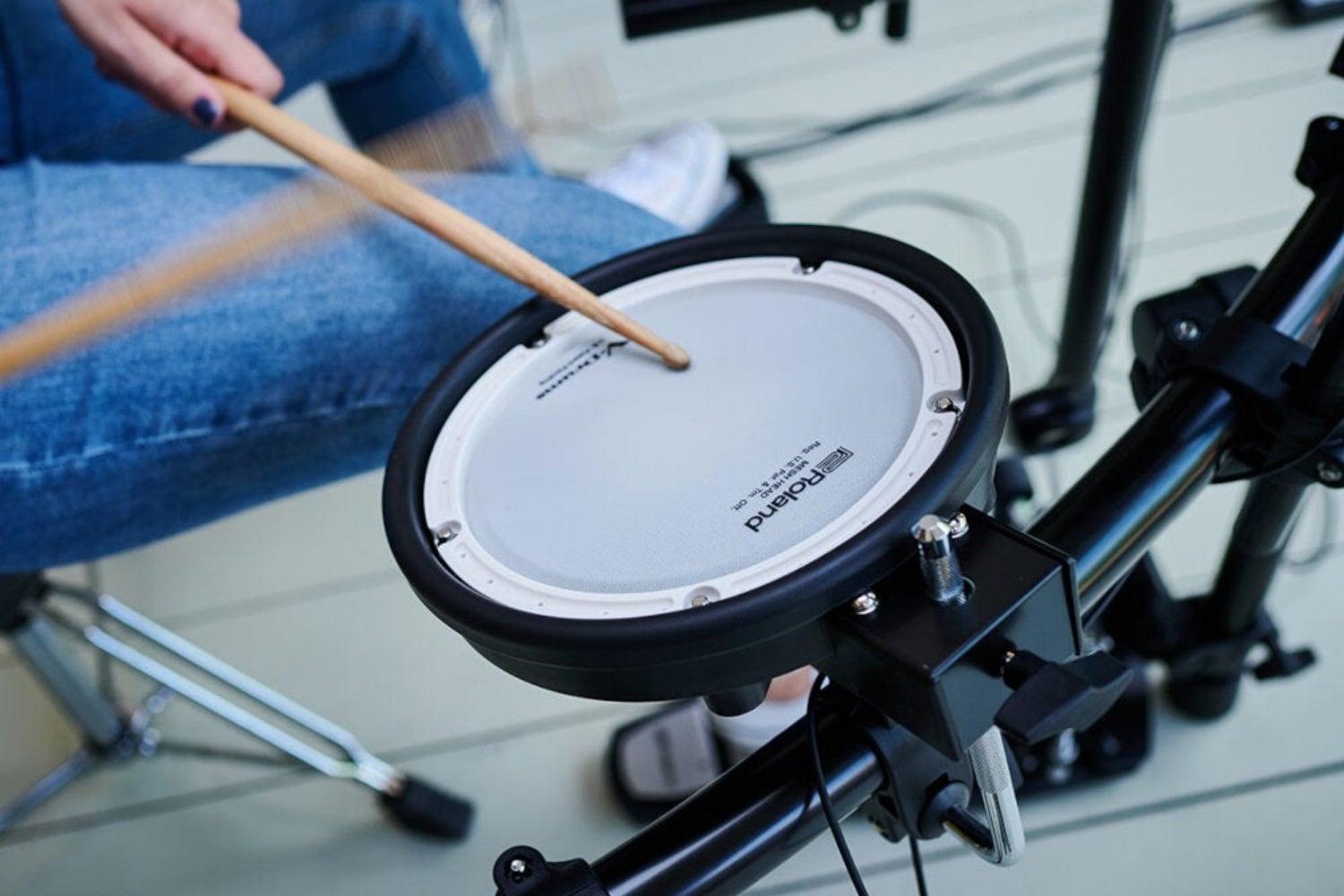
Under the rubber or mesh head of almost every pad sits a piezo: a small disc that produces a voltage spike as soon as you strike it. Your module picks up that spike and has to answer three questions in a split second: was this hard enough to count, how hard was it, and is this a new hit or an aftershock of the previous one? Every trigger problem is a wrong answer to one of those questions.
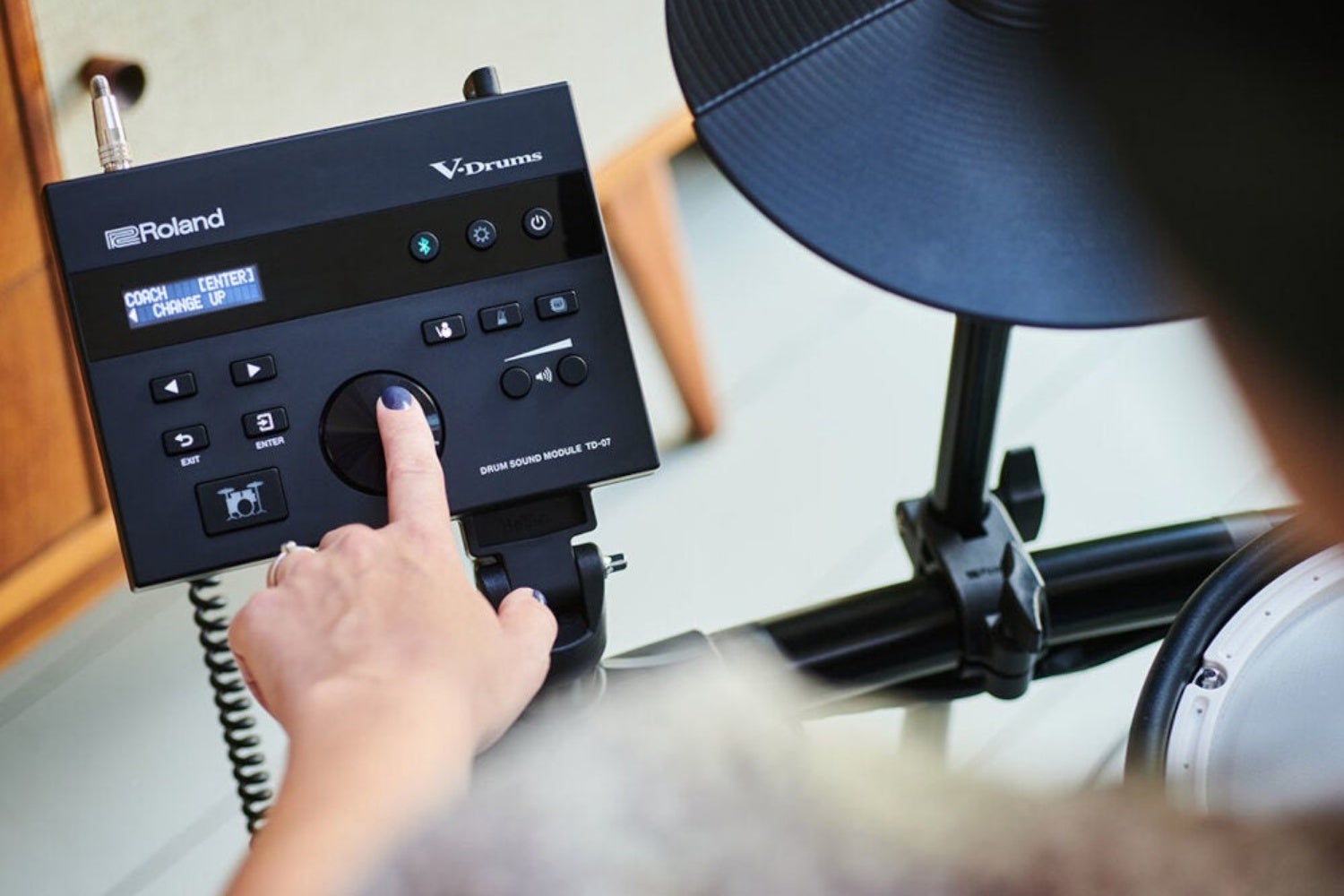
An annoying detail: every manufacturer uses different names. Some call crosstalk xtalk, and threshold and sensitivity also crop up under different names. So grab your own manual. And before you touch a single value, check that the correct pad type has been selected. Roland modules, for example, have presets for each pad and cymbal. With the wrong type as your starting point, getting reliable triggering is almost impossible.
» View all drum kits
» View all drum modules
Crosstalk: you hit the floor tom and the crash joins in
Crosstalk is the classic case: you hit the floor tom and the crash above it sounds as well. The vibration travels through the arm, rack or stand to the neighbouring pad, which thinks it’s been hit. It’s just like living in a terraced house: your neighbour stomps up the stairs and you hear it through the wall.
The simplest solution is mechanical: move the pads further apart or mount them on a different arm. If that isn’t enough, your module usually has a crosstalk cancel setting. Note that you set this on the pad that sounds unintentionally, not on the pad you hit. On Roland, for example, you put the snare and tom 1 in the same xtalk group and increase the cancel value on tom 1. If it’s set to OFF, nothing happens.
If a pad is being triggered by your speakers or an acoustic drum next to it, the threshold is the setting to go for. Raise it step by step on the pad that sounds unintentionally, and stop as soon as it no longer goes off by itself. On Roland, the scale runs from 0 to 31. Be careful: towards the top of that scale, your soft strokes disappear too.
Double kick triggers: one stroke, two hits
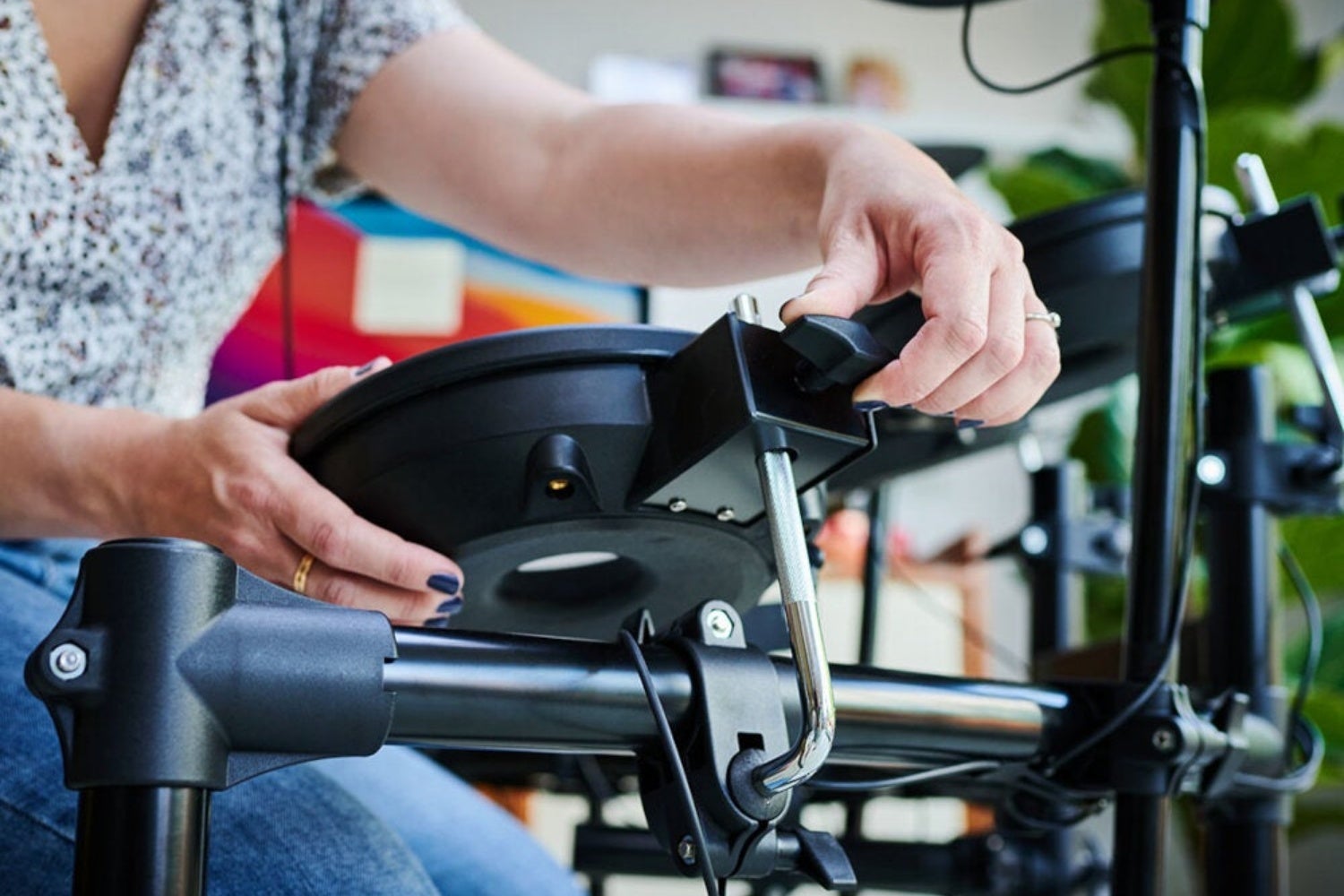
A trigger signal isn’t a neat little tick but a wave that decays after the first peak, producing smaller peaks along the way. With a kick, there’s also the beater, which bounces back and sometimes taps the pad a second time. Your module then has to decide: a genuine second hit or an aftershock? Triggers on an acoustic bass drum have a long decay, so this goes wrong more often.
The first setting to reach for is mask time: a window after a trigger during which the module ignores new signals. Press the pedal repeatedly and increase the value until the bouncing beater no longer produces a second hit. Then keep it as low as possible, because a window that’s too long makes fast double kicks impossible. On Roland, mask time runs from 0 to 64 milliseconds.
If you hear two sounds from a single stroke while the beater stays against the head, look at retrigger cancel. Rather than working with time, it looks at the decaying slope of the signal and filters out the smaller peaks within it. On Roland, it runs on a scale of 1 to 16. Again: just enough, no more.
A hi-hat that sounds open when it’s closed
The hi-hat is the only pad that tells your module two things at once: that it’s been hit, and how far the pedal is pressed down. The controller under the pedal or in the stand measures the pedal position. If your hi-hat sounds open while your foot is on it, the position of your pedal and the reference point for ‘closed’ in the module don’t match. The module is waiting for a signal your pedal never quite sends.
Start with the stand: is the controller firmly attached, does the pedal press it down all the way, and does nothing shift while you play? Then move on to the module: most have a calibration procedure for the hi-hat, and your manual will tell you where to find it. Here too, the pad type has to be right, because a different type of controller sends a different signal from the one your module expects. If it still doesn’t work, the cable or the controller itself is the prime suspect.
Pads from another brand: why the factory set-up works so easily
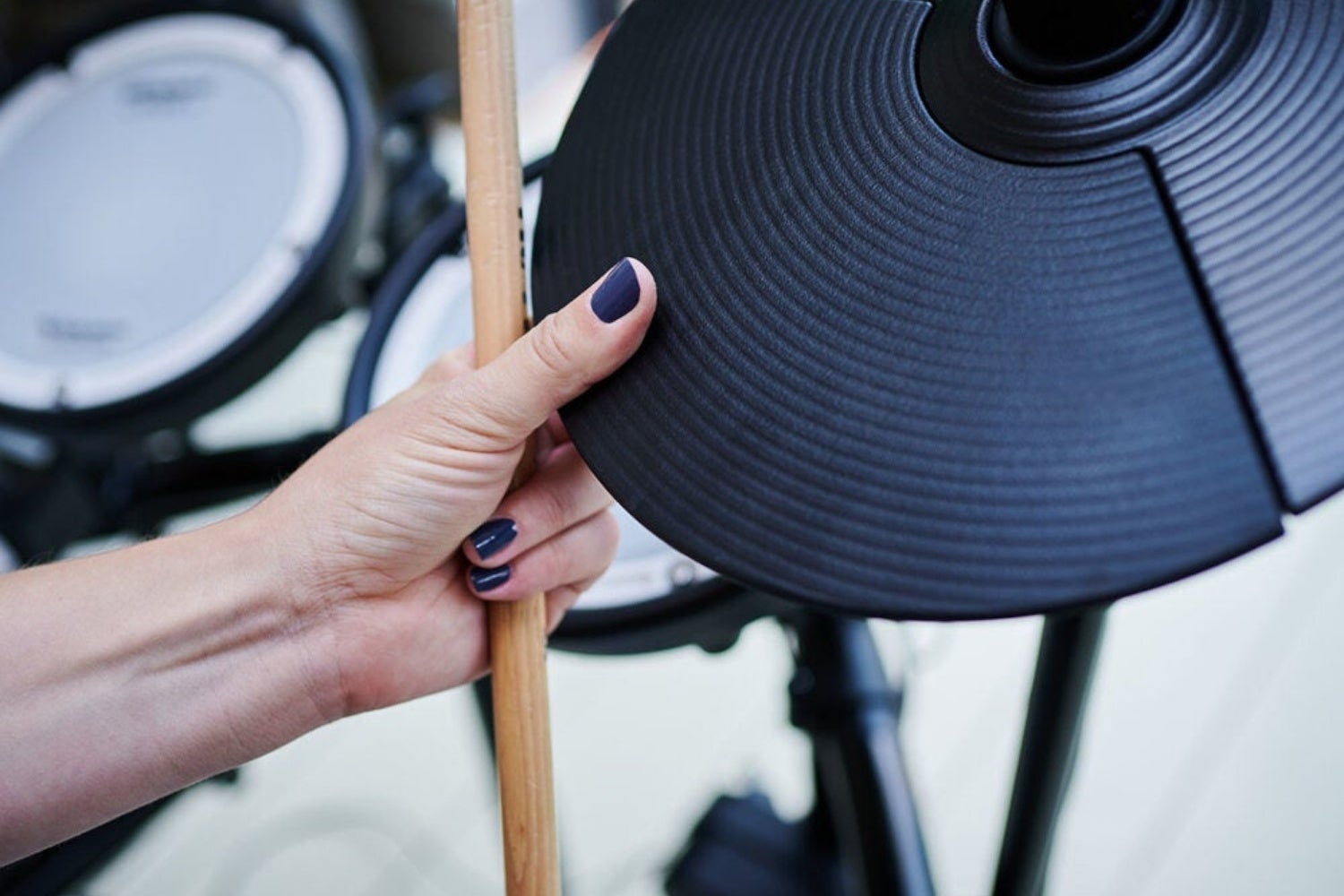
In a complete kit, the pads and module are matched to each other, so you rarely need to adjust anything. If you add a snare pad from another brand, or connect a trigger to your acoustic bass drum, that pad sends a different signal from the one the module expects. It’s up to you to iron out that difference. First choose the closest pad type, then fine-tune from there.
The most important step is matching the sensitivity to your other pads. The sensitivity determines how strongly the module responds to a pad’s signal. On Roland, it runs from 1.0 to 32.0. Turn up a pad that’s too quiet, and turn down a pad that jumps to full volume with every tap. Pads with a rim trigger also have a rim gain setting (0 to 3.2 on Roland) to balance the rim and head.
If the volume is still unpredictable, scan time is the next step. This is how long the module waits after a trigger to read the peak level. Strike the pad equally hard each time and increase the value from 0 until the volume stays consistently at its loudest. On Roland, it goes up to 4.0 milliseconds.
If the pad still feels different from the rest after that, choose a different velocity curve. Linear is the starting point, exponential curves respond more strongly to hard strokes and logarithmic curves to soft ones. Loud curves keep the volume almost constant, which is handy for acoustic triggers.
» View all triggers
» Triggering live drums – Try it yourself!
Never go further than you need to
Every setting comes with the same warning: too high a value comes at the expense of your dynamics. A high threshold swallows your ghost notes, a long mask time blocks fast rolls, and a heavy crosstalk cancel mutes the more softly struck pad when you hit two pads at once. You can dial out any problem, but you’ll soon end up with silence where you don’t want it.
So work on one setting at a time, in small steps, and after each step play some real drumming rather than isolated taps. A crash that stays silent when you hit the floor tom on its own might still join in as soon as you play a fill. Make a note of the values that worked, too, so you don’t have to redo all that trial and error after a factory reset.
If you’ve been through all the settings and a pad keeps playing up, the problem usually isn’t in the module. You can’t dial out a faulty cable or a defective pad. In that case, a replacement pad or a kit from a single brand is the solution.
» View all electronic drum products
 Want to turn LPs into MP3s? Here’s How to Digitise Your Vinyl
 How to Breathe: For Vocalists & Musicians
 Everything You Need to Know About Making a Podcast
 Setting Up the Band with a PA System? Here’s What You Need to Know
 Playing Keys in a Band: What You Need to Know
 Vocal Damage: How Does it Happen?
No comments yet...