
Why do DJs wear headphones on one ear? Cueing explained
Published on Monday 19 October 2026
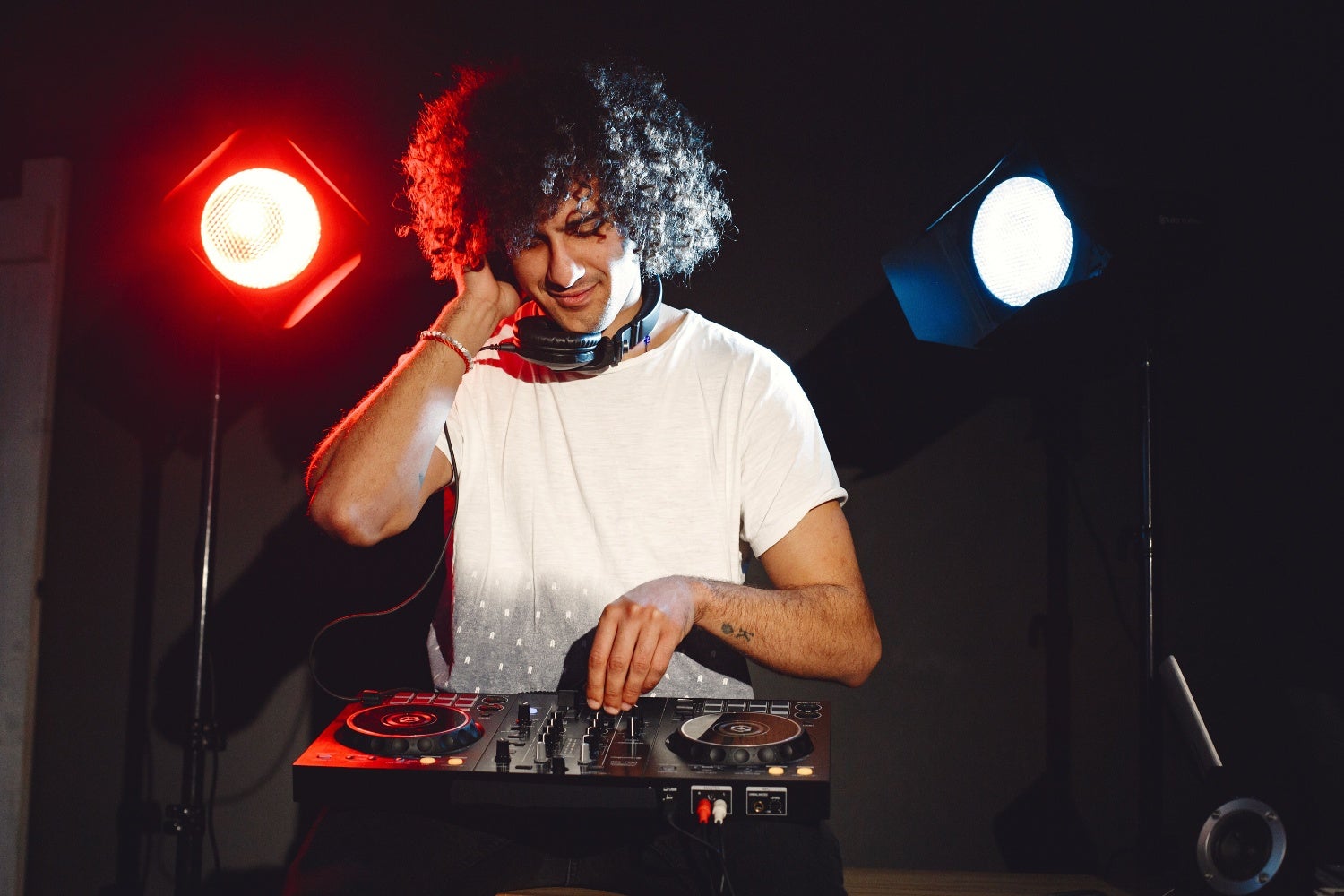
A DJ with headphones half on, one earcup pressed against the ear: the classic image of the trade. Odd, really, because that DJ is standing in front of a sound system that the neighbours three streets away can enjoy too. Yet those headphones aren’t a pose: they’re the only place where the DJ hears the next track before the crowd does.
Previewing: only the DJ hears the next track
Every channel on a DJ mixer has a cue button, also known as PFL (pre-fade listen). Press it and you’ll hear that channel in your headphones while the fader is still closed. This means the crowd hears nothing and you hear everything. A chef tastes the sauce before it reaches the guest’s table, too.
Pre-fade means exactly what it says: the signal is tapped off before the fader, but after the EQ. So if you cut the bass, you’ll hear that in your headphones as well. You also use cue to set the gain: using the meters, you bring the new track up to the same level as the one that’s playing, so nobody is startled by a jump in volume or by distortion.
And then the most important part: beatmatching. You hear the new track only in your headphones, adjust the pitch until the beats line up with what’s currently coming out of the speakers, and only then do you start pushing the fader up. Without headphones, the crowd would get to ‘enjoy’ your preparations, which doesn’t sound pretty. In the vinyl era, by the way, you’d even hold the record with your hand while the turntable kept spinning, so you could release it exactly on the beat. That’s called slip-cueing (and you won’t get it right for the first few weeks).
» View all DJ headphones
» How do I become a DJ? Everything for beginners
The one-ear trick: one ear in, one ear out
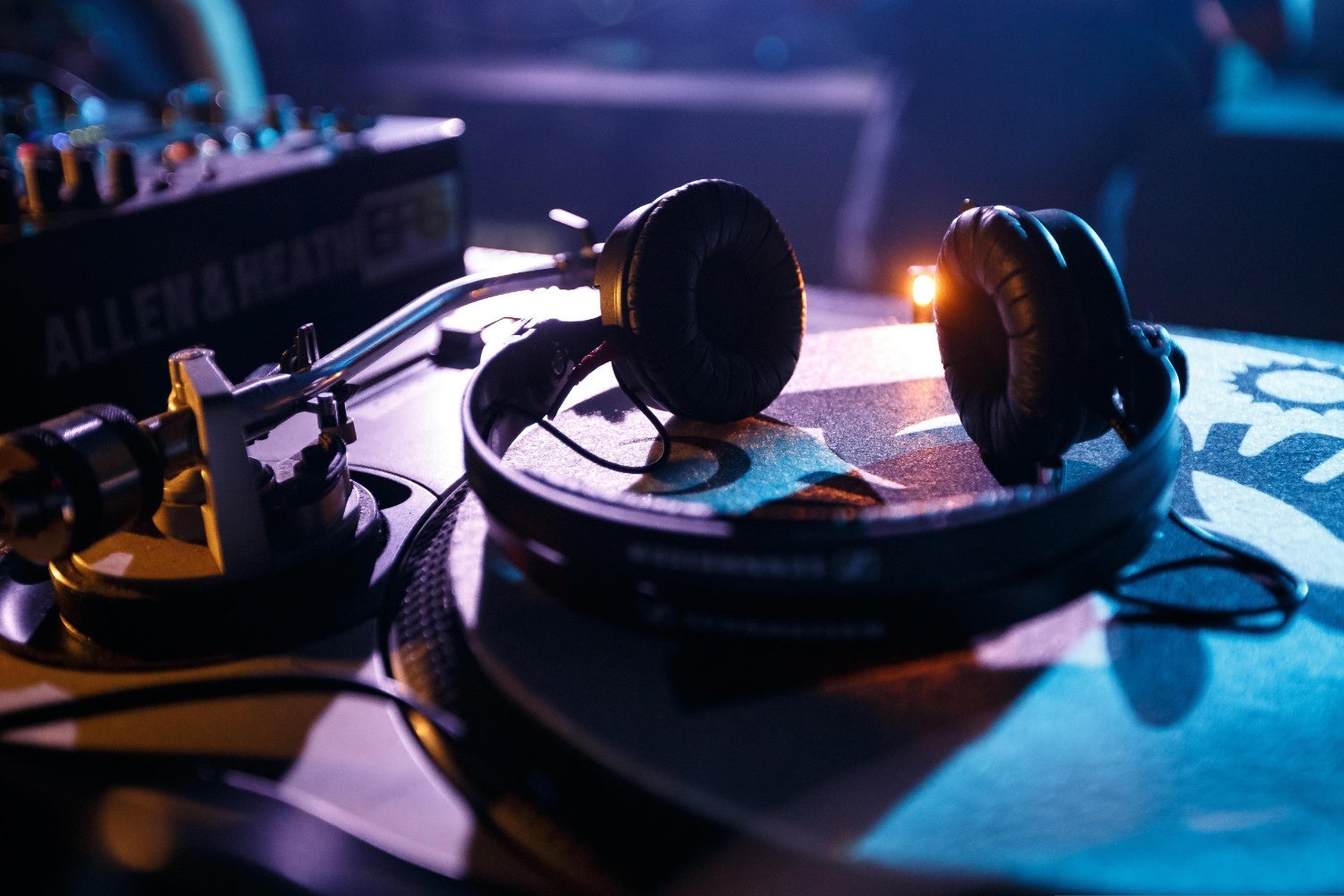
To beatmatch, you need to hear two things at once: the new track, which is only in your headphones, and the track that’s playing, which is coming out of the speakers. Hence one earcup against your head and the other ear free for the monitor speaker or the room. It looks casual, but it’s the simplest way to compare two signals at the same time: your own head as the mixer.
It doesn’t have to be this way. Almost every mixer and controller has a cue mix or headphones mix knob. Turned fully left, you hear only the cued channel. In the middle, you get equal amounts of cue and master, and the further right you turn it, the more you hear of what the crowd hears. This lets you mix with both earcups on, although you then get a blend of cue and master in both ears. That’s not ideal, and it’s one of the reasons DJs don’t use it as standard. But there’s also something called split cue – more on that below.
Split cue: the room in your other ear
A neater version of cue mix is built into more expensive mixers: split cue, sometimes called mono split. Instead of one stereo signal, the mixer sends two mono signals to your headphones: the cued channel in one ear and the master – what the crowd hears – in the other. Exactly what you do with one earcup on, but now with the headphones sitting properly on your head.
That’s handy when there are no decent speakers nearby. The main speakers in a club are often far away and pointed away from you; the sound arrives with a delay, and beatmixing to it is guesswork. Normally, booth monitors solve that, but they’re sometimes broken, too quiet or simply not there. And at home, with neighbours who want to be asleep by eleven, split cue lets you practise an entire set on headphones alone.
You’ll come across split cue far less often on controllers. It’s mainly found on standalone club and pro mixers and on a handful of controllers. If you really want it, check the specifications carefully before buying a new mixer or controller.
» View all DJ mixers
» View all DJ controllers
What this means for your DJ headphones
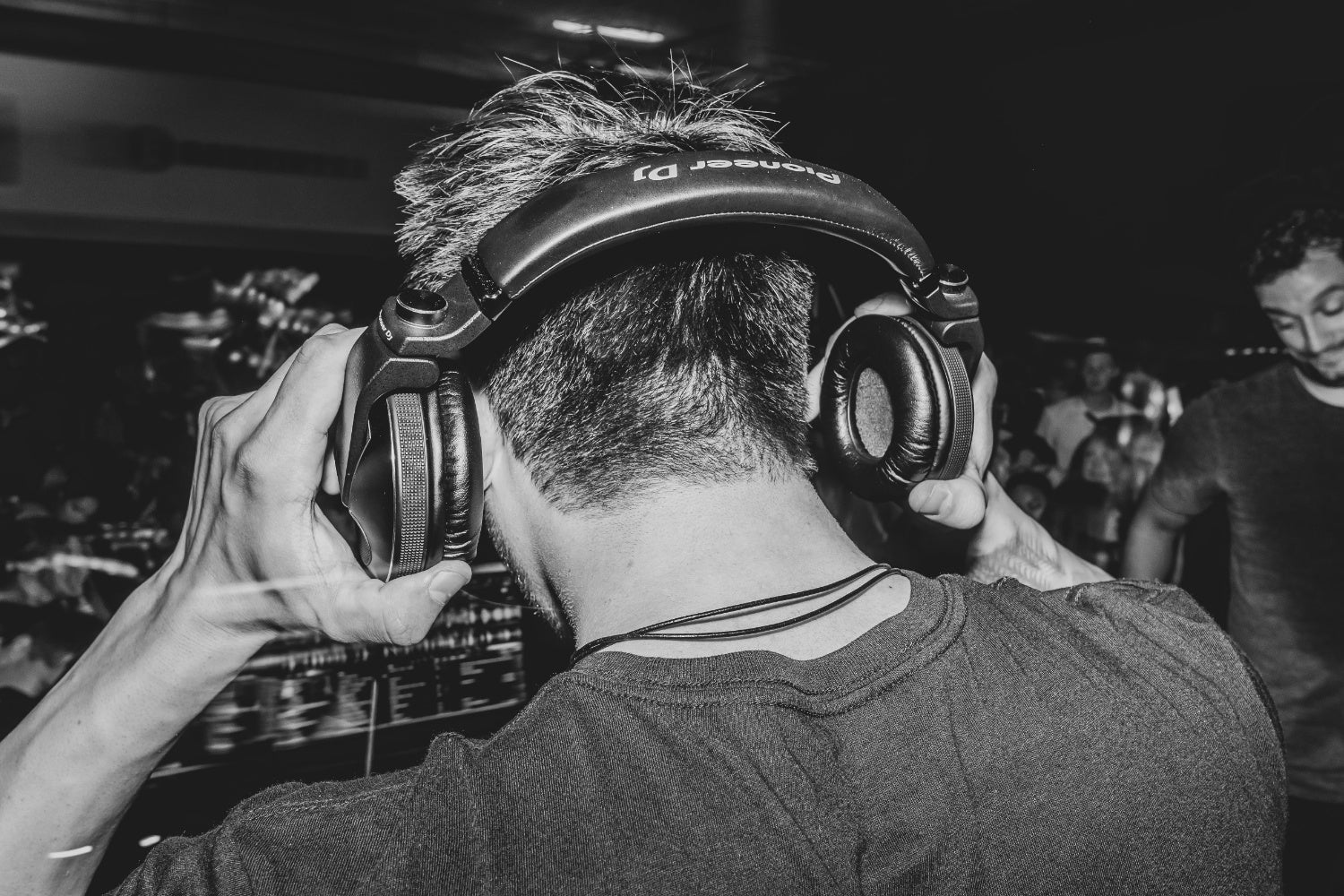
DJ headphones lead a tough life. They hang half off your head, get pressed against one ear, pushed down and put back on again, hundreds of times a night. That’s why they’re – in principle* – built differently from a studio or home listening model: with earcups that swivel or fold away, so the free cup doesn’t get in the way, and a headband that survives all that twisting. The first pair of headphones I used for DJing was a home listening model; after two months, the headband was drooping like a broken coat hook.
DJ headphones also need to go loud enough to cut through the crowd noise without distorting, and isolate well so the bass from the speakers doesn’t bleed into your cue signal. Comfort matters too: after a three-hour set, you’ll notice exactly where they pinch. Which pair is right for you depends on your ears and your budget.
* By ‘in principle’ I mean that a pair of headphones may well be marketed as ‘DJ headphones’, but that doesn’t necessarily mean they have all the features that you as a DJ would expect. So always check the specifications. And bear in mind that the build quality of a budget model usually isn’t comparable to that of a higher-end model.
» Which DJ headphones are best for me?
 Want to turn LPs into MP3s? Here’s How to Digitise Your Vinyl
 How to Breathe: For Vocalists & Musicians
 Want to Play Tight? Then Nail These Exercises
 Setting Up the Band with a PA System? Here’s What You Need to Know
 Everything You Need to Know About Making a Podcast
 How to Tune Up & Play a Guitarlele
No comments yet...