
Arturia KeyStep explained: which model suits you?
Published on Monday 14 September 2026

The Arturia KeyStep isn’t a keyboard with built-in sounds, but a MIDI controller that you connect to your computer, synthesizer or modular gear. The original appeared around 2016, and it was an instant hit: affordable keyboards with both MIDI and CV output were scarce at the time. Since then, the range has grown with new models and MK2 versions. So what do you choose: KeyStep or KeyStep 37? MK1 or MK2? What’s the difference with the -Lab series and the BeatStep? Let’s take a look.
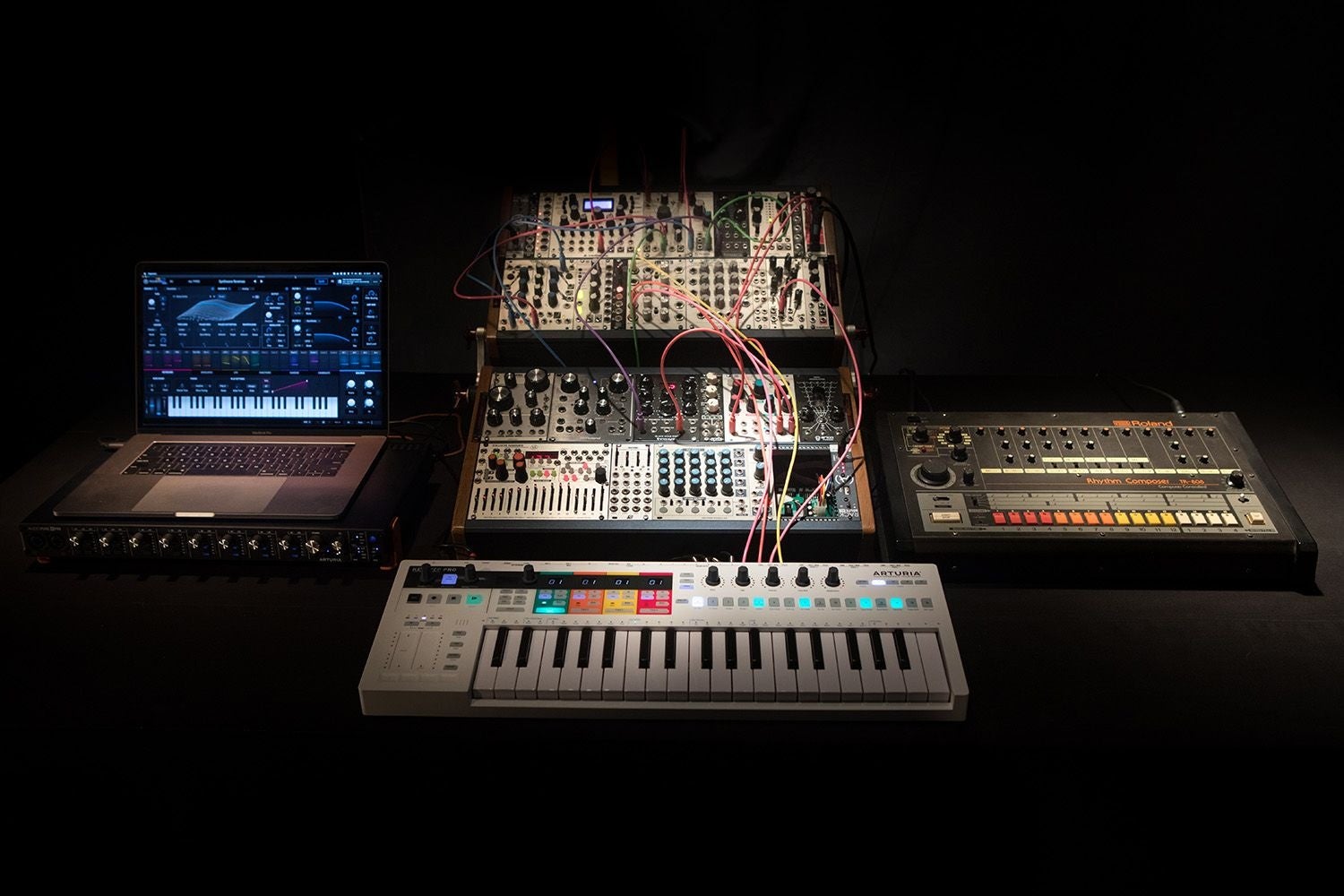
KeyStep vs. Lab vs. BeatStep: what’s the difference?
Arturia has three recognisable product lines, each heading in a different direction. The Lab series are MIDI controllers designed to pair directly with virtual vintage instruments on your computer – software sounds, in other words, ranging from emulations of classic synthesizers to pianos. The KeyStep is more of a basic toolkit: no built-in sounds, but maximum freedom in what you connect it to.
The BeatStep takes a different approach again. It doesn’t have a keyboard, but works with pads and encoders instead. To set pitches, you turn knobs rather than pressing keys. That’s great if you work purely with rhythm and patterns, but if you want to play or record melodies, you’ll miss having a keyboard. In those situations, the KeyStep is the more logical choice.
What ties the KeyStep line together: they’re sequencers and keyboard controllers rolled into one, with the CV/Gate output as a standout feature. This lets you connect them to older synthesizers and modular systems that lack a MIDI connection. That was rare in this price bracket back in 2016, and it’s still one of the reasons the range has remained so popular.
» View all KeySteps
» View all KeyLabs
» View the BeatSteps

32 or 37 keys: which size suits you?
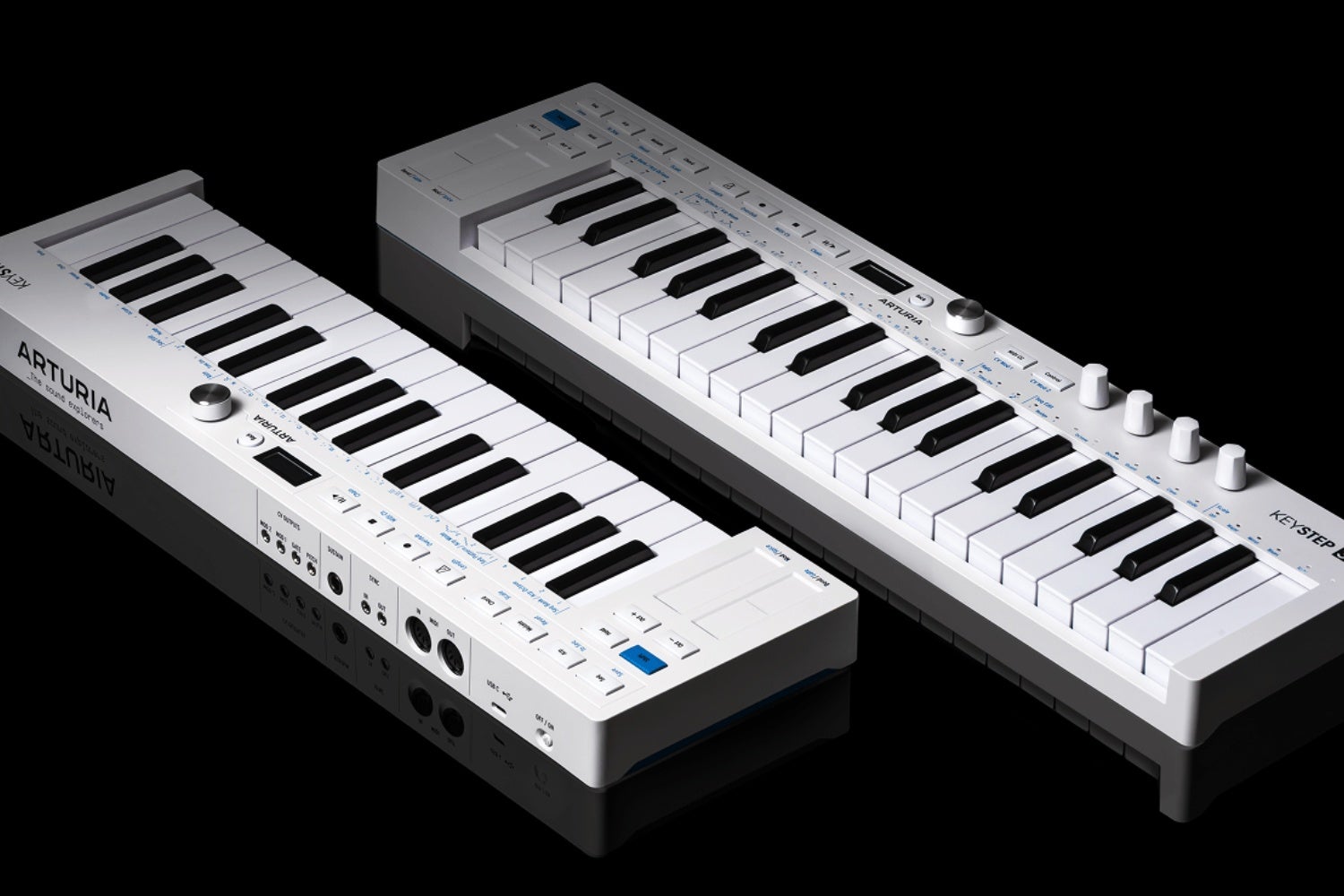
The two standard KeyStep models are the 32-key and the 37-key version. The five-key difference sounds small, but in practice it gives you almost half an octave of extra playing range: the 37 has three full octaves, while the 32-key version has two and a half. For playing simple melody lines, you’ll barely notice the difference, but as soon as you want a bit more room without constantly switching octaves, the 37 is the better option.
The 37-key MK2 also has four encoders, letting you control four banks of CC values. This gives you more direct control over parameters in your software or synthesizer, without having to dig through menus every time. Think of the 37 as the version for anyone who wants to do a bit more during a live session – not just playing, but also controlling. The 32-key is more compact and therefore appealing if you’re regularly on the move.
MK1 vs. MK2: what’s new?
In November 2025 the 32-key KeyStep MK2 was released, followed three months later by the 37-key MK2. The upgrades aren’t just cosmetic: the MK2 switches to USB-C, has a physical on/off switch and an OLED display. That last point might sound minor, but if you’ve ever had to navigate menus on the original, you’ll know how welcome a screen is.
The number of CV outputs has also grown: the MK1 had Pitch, Gate and Mod 1, while the MK2 adds Mod 2. You can now control two modular parameters simultaneously from a single device. The CV mod outputs can be set to velocity, aftertouch, modwheel, random per step or a pulse generator. In practice, this means you can send expressive playing information straight to your modular system, without any extra hardware. The MK2 comes with a 2-metre USB cable, Analog Lab Intro and Ableton Live Lite, and is bus-powered – so you won’t need a power adapter.
Is the KeyStep what you’re looking for?
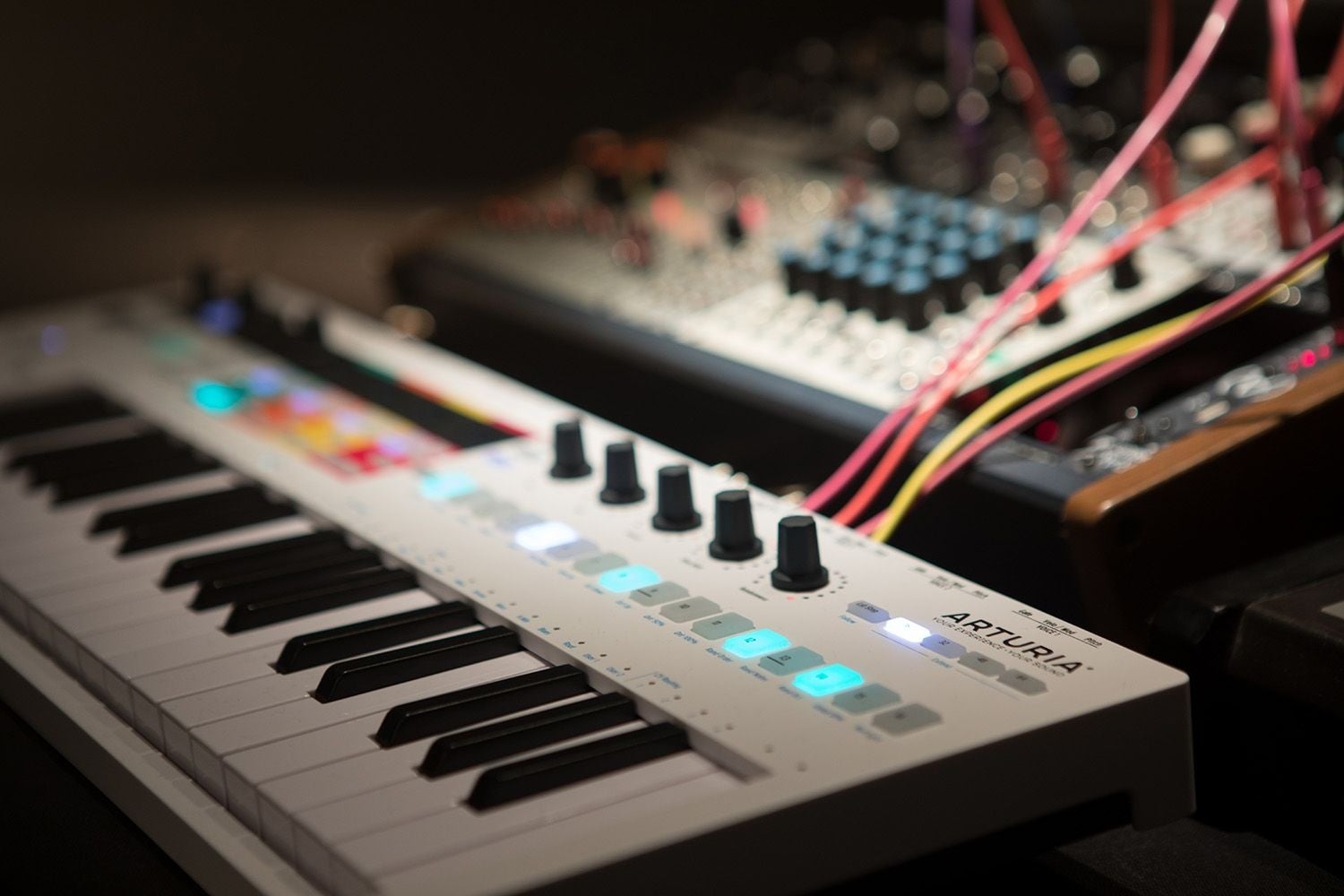
If you already have a synthesizer, DAW or modular system and want to pair it with a compact, expressive keyboard, the KeyStep is a great fit. It offers velocity and aftertouch, a fully-fledged arpeggiator, and a sequencer that’s serious enough for live use on the MK2.
If you only want to control software instruments and also want access to virtual vintage sounds, the KeyLab is the better choice – that range combines MIDI control with Analog Lab and is specifically tailored to that purpose. The KeyStep focuses on sequencing and performance, while the KeyLab bridges hardware and software.
Within the KeyStep line: the 32-key is the choice if portability matters most. The 37-key gives you more playing range and direct control via the four encoders. And in almost every respect, the MK2 is the better choice over the MK1 – unless you come across a second-hand MK1 at a price that makes the difference worthwhile.





No comments yet...