
How long can an XLR cable be? Cable length for microphone and line-level signals
Published on Thursday 26 November 2026
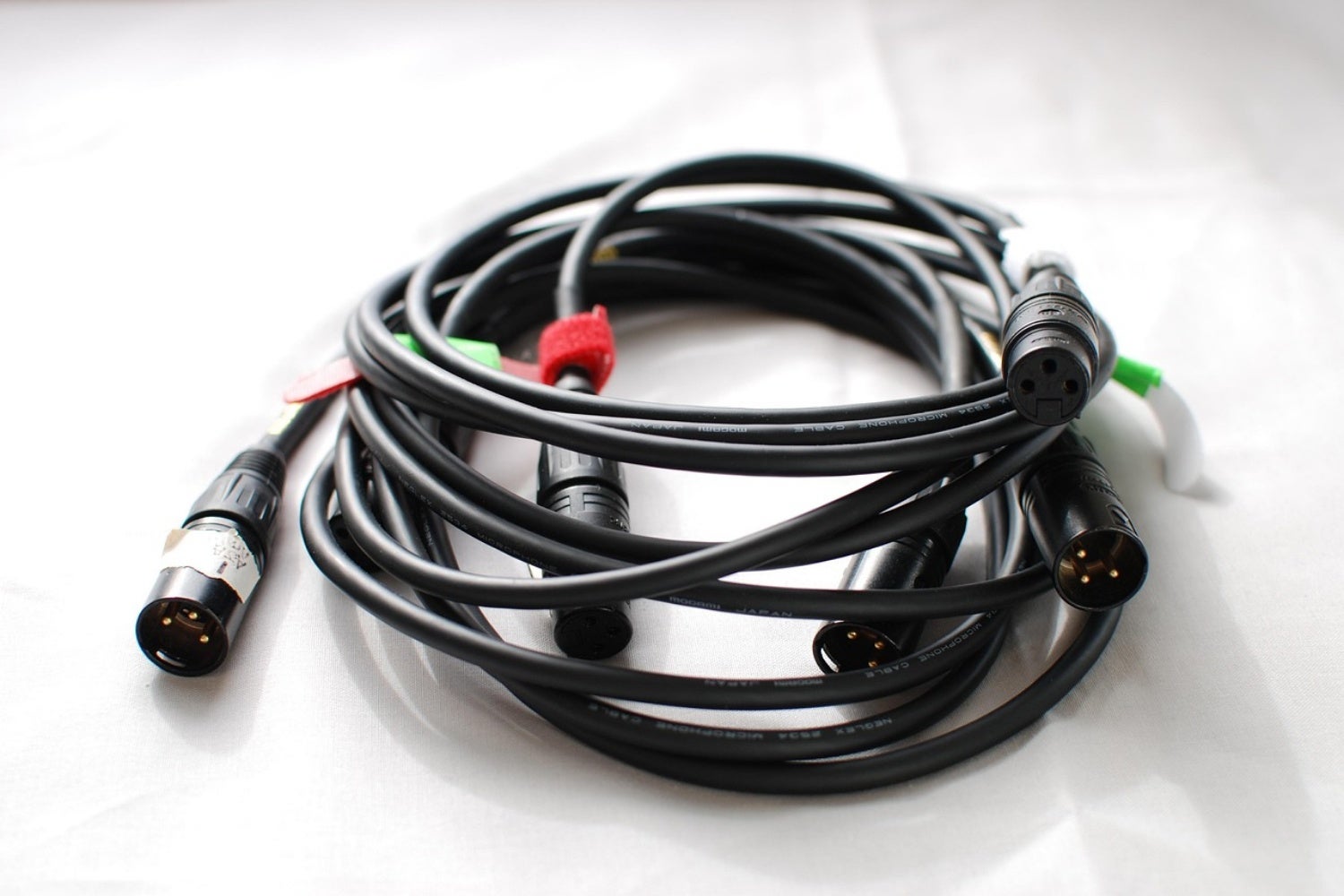
How long can an XLR cable be? Longer than you think, as long as you know what you’re sending through it. A balanced XLR signal is designed to cover distance, but a microphone makes different demands on that distance than a line signal going to an active speaker. And at some point, a single multicore or network cable is far handier than twenty separate leads.
Mic level or line level: that’s what determines your leeway
The signal from a microphone is tiny, a matter of millivolts. A line signal from a mixing desk or preamp sits at around one volt, making it hundreds of times stronger. That difference is at the heart of the whole cable story. Interference picked up along the cable is negligible on a line signal, but quickly becomes audible on a mic signal. Think of it like a busy pub: talk normally and you’ll be heard, but whisper and you’ll be lost in the din.
That’s why you want to bring the mic signal up to line level as early in the chain as possible. That’s the job of the preamp in your mixing desk. The rule of thumb is simple: keep mic cables as short as the situation allows and leave long distances to line signals. The XLR cable from your mixer to an active speaker at the back of the room carries line level and can be dozens of metres long. A mic cable of the same length will also work thanks to its balanced design, but every extra metre can pick up interference.
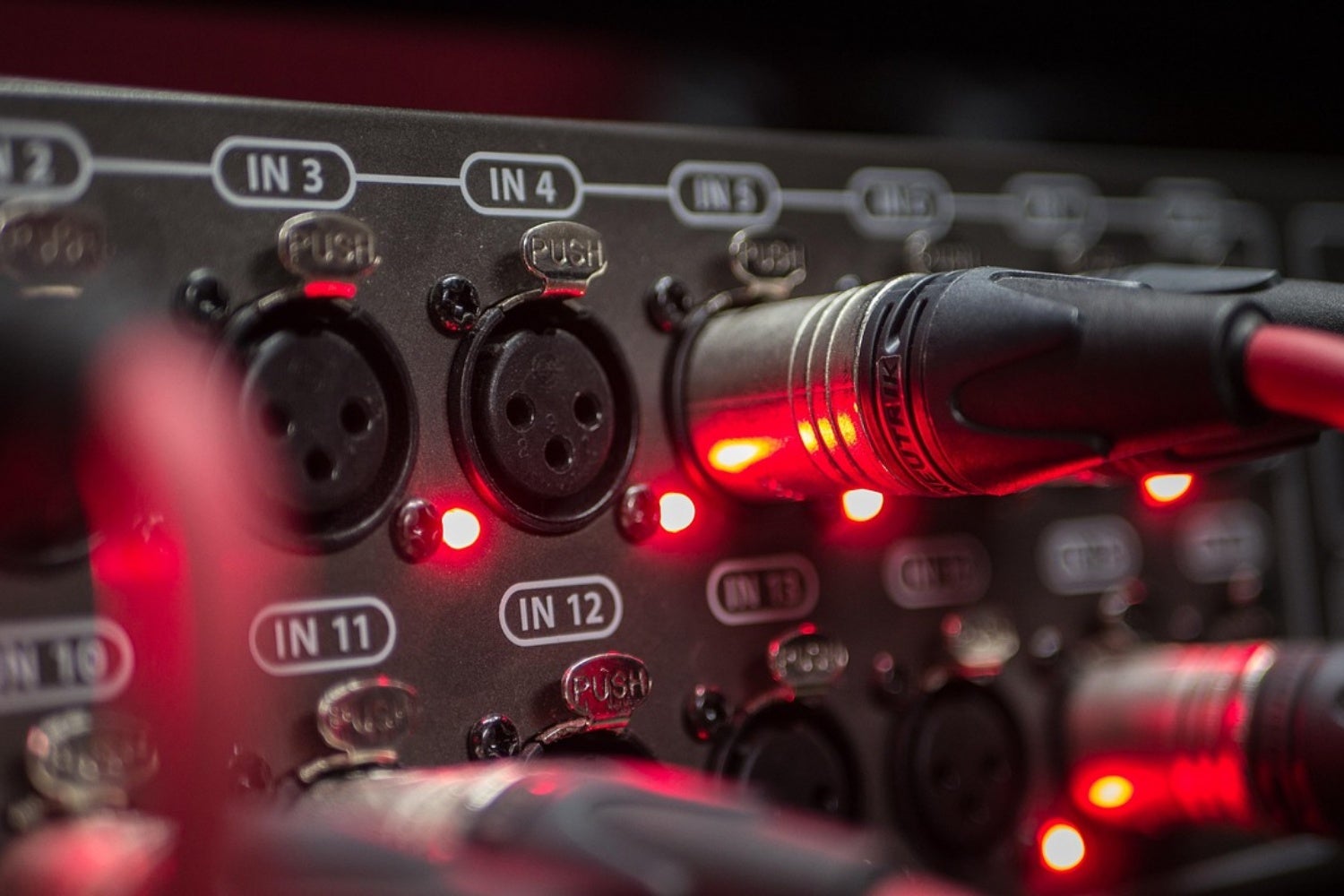
Balanced or unbalanced: XLR, jack and when the difference starts to matter
An XLR cable is almost always balanced, and that’s exactly why you can run thirty metres of it without any hum. A balanced connection has two signal conductors and a shield, and the trick isn’t an inverted copy of the signal (a persistent myth). What matters is that both conductors have exactly the same impedance to ground. Any interference picked up along the way therefore lands equally on both conductors; the input only looks at the difference, and whatever is the same on both simply cancels out. This even works when there’s signal on only one of the conductors.
An unbalanced cable, such as an ordinary guitar lead with a mono jack, has one signal conductor and uses the shield as the return path. Anything that shield picks up ends up straight in your sound. Over three metres between keyboard and amp you won’t notice a thing, but run ten metres next to a lighting dimmer or power cable and you’ll hear it. That’s why guitar and bass enter the balanced circuit on stage via a DI box, after which the signal can travel the full length of the venue.
Jack doesn’t automatically mean unbalanced, by the way. A stereo jack (tip, ring, sleeve) has the same three contacts as an XLR and can therefore be balanced just as well; the difference lies mainly in the locking mechanism and the sturdiness of the plug. In the studio, cables are short, but they sit right next to a computer, screens and power adapters. A balanced connection between your interface and monitors keeps hum and ground loops at bay, even over a metre and a half.
As a rule of thumb: balanced starts to matter from around five metres, at mic level, and anywhere power and lighting cables are nearby. A short unbalanced jack cable from your synth to the interface is fine, but you’ll want the stretch after that to be balanced. Not sure whether your mixing desk or interface has balanced inputs? Check the manual for “balanced” or “TRS” next to the line inputs.
When cable quality really starts to matter
An XLR cable has two twisted signal conductors plus a shield. External interference hits both conductors roughly equally, and at the receiving end the difference between the two is taken. Whatever is the same on both cancels out. That works as long as both conductors genuinely pick up the same thing. On a short cable in the rehearsal room, almost any decent cable will manage; there, a sturdy plug and good strain relief matter more than the copper itself.
On long runs, a second factor comes into play: the cable’s capacitance. Together with the source’s output impedance, it forms a small filter that rolls off the high end, and the longer the cable, the stronger the effect. For long distances, choose a low-capacitance cable and keep the run no longer than necessary.
Star-quad cable, with four conductors instead of two, is the exception. Because opposite conductors are paired, they pick up interference much more evenly, giving around 20 dB better rejection. The trade-off is higher capacitance, although that barely matters over ten or even fifty metres. Always necessary? No. Star-quad pays off mainly on stages where mic cables run alongside lighting cables and dimmers. For the short mic cable to a mixer beside the stage, a regular, well-shielded XLR cable will do just fine.
» Which audio cables are best for me?
Multicore and stage box: twenty cables become one
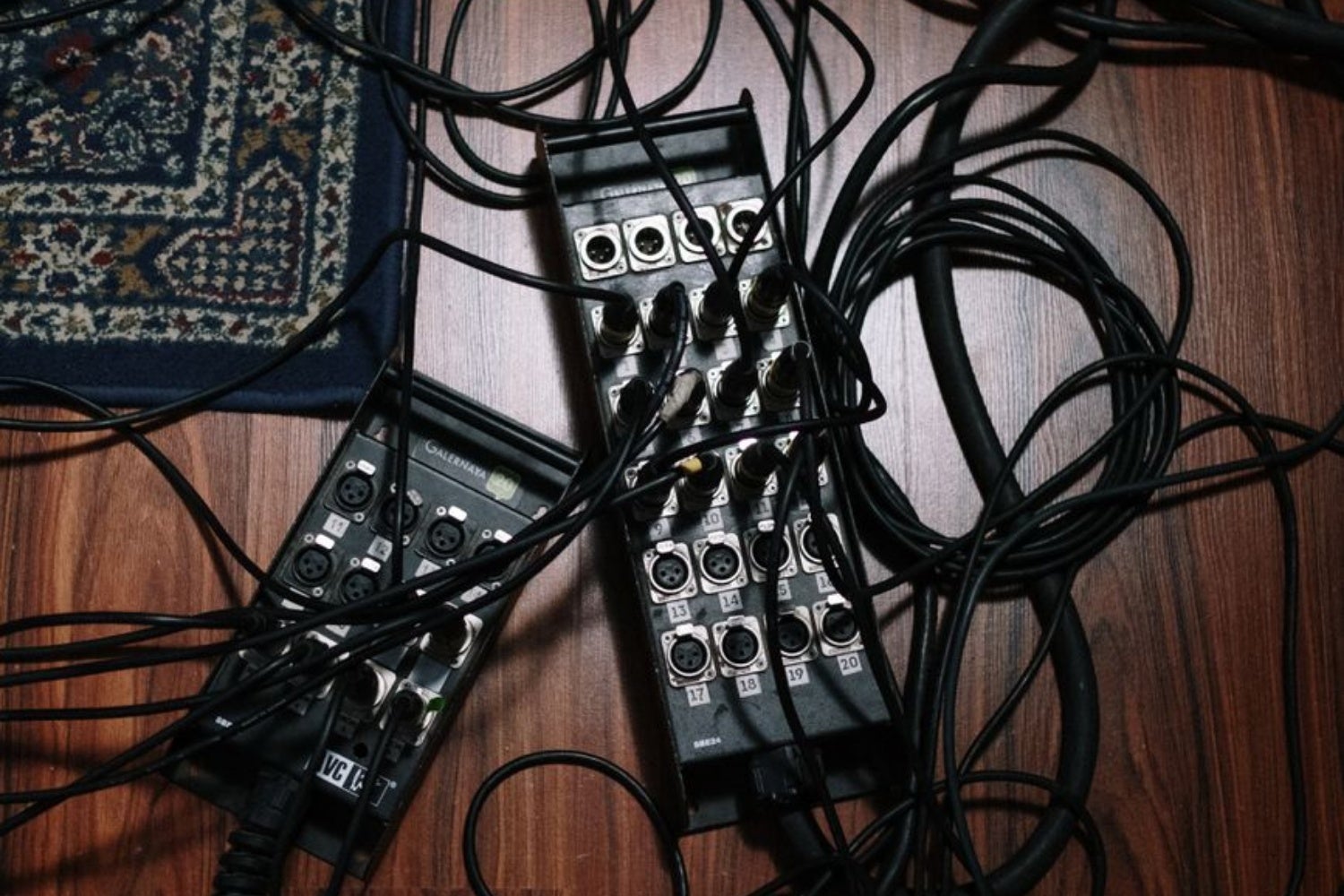
The move to a multicore has less to do with length than with numbers. If your mixing desk is thirty metres from the stage and you’ve got sixteen channels, that means sixteen long cables running through the venue: a trip hazard, an extra hour of setting up and a bag full of cables to coil up at the end of the night. An analogue stage box solves that: a box on stage with XLR inputs and outputs for monitors or speakers, connected to the mixer via a single thick multicore cable.
Electrically, nothing changes. The mic signals still travel the full distance at mic level, because the preamps are in your mixing desk.
» Browse all analogue multicore cables
Digital stage box: the preamp moves to the stage
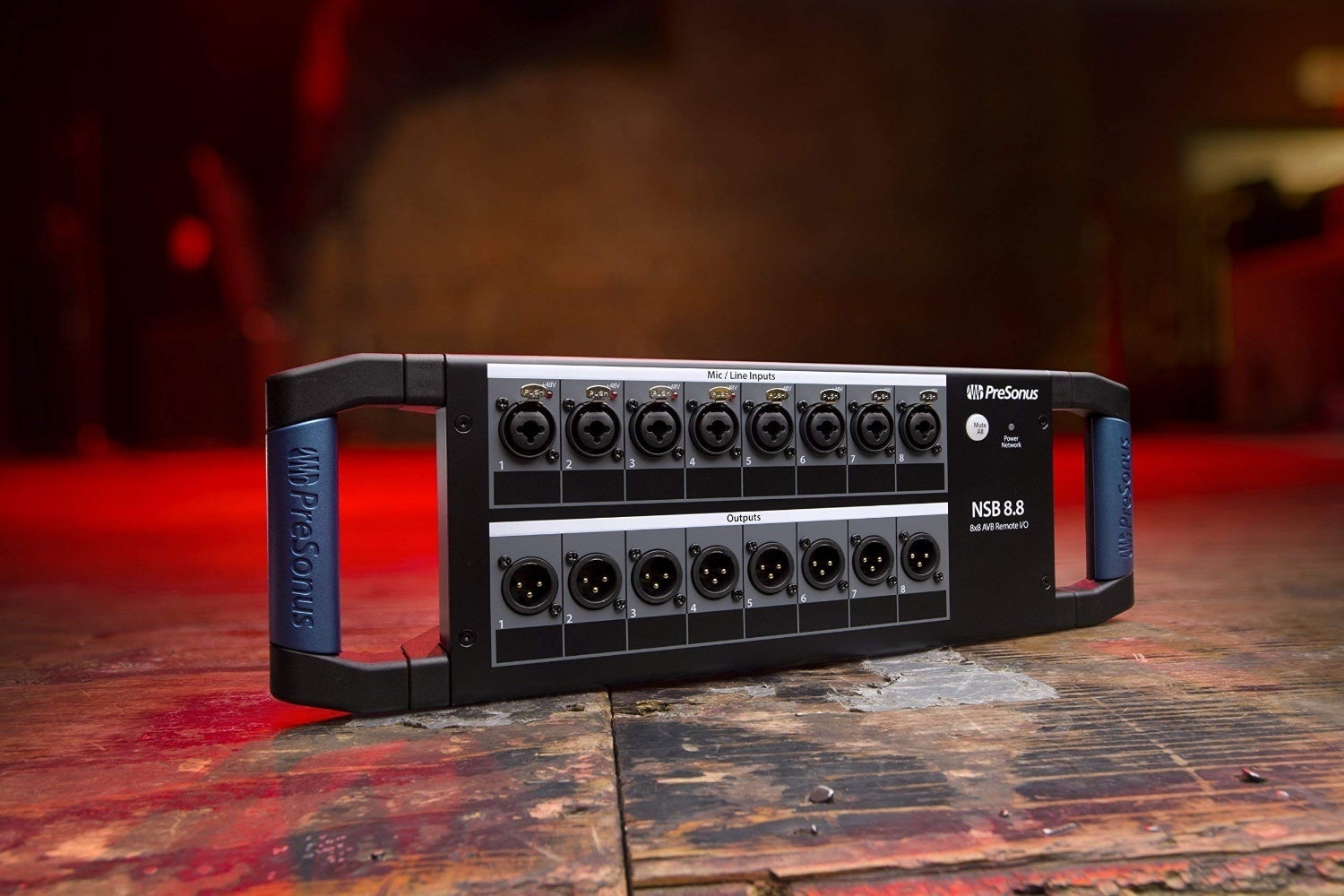
A digital stage box does what an analogue one can’t: it has the mic preamps on board. The weak signal is amplified and converted to data just a few metres from the microphone, and a single network cable runs across the venue instead of a multicore. You can hardly make mic cables any shorter, and there’s no longer an analogue audio signal travelling the long distance that could pick up interference.
When is it worth it? As soon as you have a digital mixing desk, regularly find yourself far from the stage and work with lots of channels. In that case, the box pays for itself in setup time alone. If you play with a compact desk next to the stage, it’s an expensive solution to a problem you don’t have.
In short: few channels and modest distances? Separate XLR cables will do the job. Lots of channels and a mixer far away? A multicore with a stage box quickly becomes the more convenient option. A digital mixer and long distances? Then a digital stage box is the logical next step. In every case, the rule stays the same: keep mic cables short and let line signals go the distance.
» Browse all digital snakes
» Dante and AVB explained: audio over a network cable instead of a multicore
 Balanced and Unbalanced Connections (Finally) Explained
 Want to turn LPs into MP3s? Here’s How to Digitise Your Vinyl
 The Mixer: Functions & Connections Explained
 What’s the point of a DJ controller with balanced outputs?
 How to Connect Your Keyboard to an Amplifier or Mixer
 The Hammond Organ: A Classic
No comments yet...