
DDJ-FLX2, FLX4, FLX6 or FLX10: which Pioneer DJ/AlphaTheta controller should you choose?
Published on Friday 23 October 2026
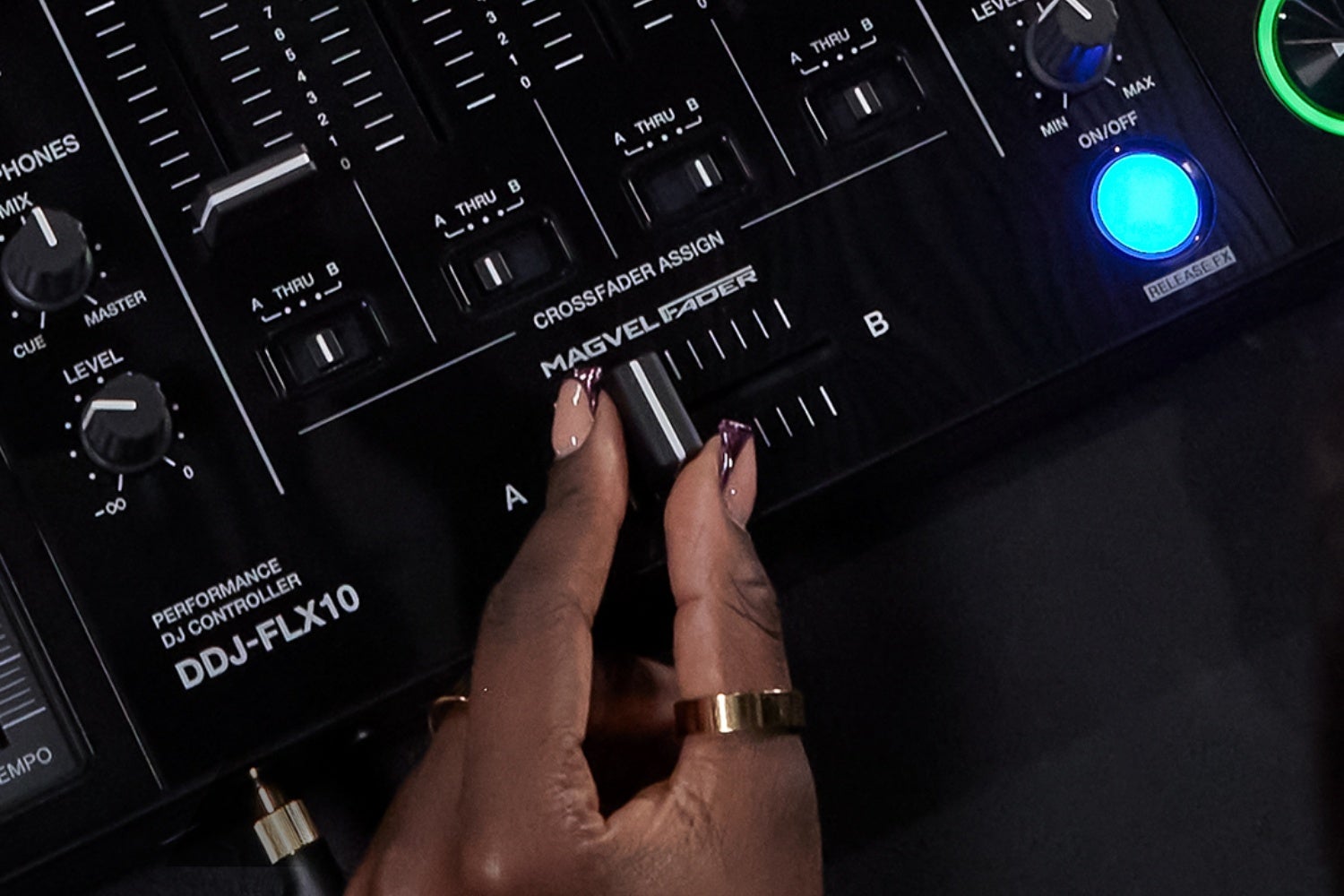
For many beginners, the FLX series from Pioneer DJ and AlphaTheta is their first proper DJ set-up, but the step from the FLX4 to the FLX10 is bigger than the numbers suggest. The differences lie in channels, jog wheels, connections and software. And sometimes a completely different controller from these brands is the better buy.
FLX4 versus FLX10
The FLX4 is a 2-channel controller: two decks, two channel strips with 3-band EQ, trim and volume fader, and a crossfader in between. For the vast majority of DJs playing at home and in small pubs, that’s exactly enough: one track plays while the next is cued up and ready to go. The FLX10 has four channels, so you can, for example, run a loop or acapella alongside two tracks you’re mixing.
The FLX4 is almost universally regarded as the go-to controller for beginners, and the skills you learn on it (beatmatching, EQing, timing transitions) are exactly the same on the FLX10. Think of it like driving lessons: if you learn in a small car, you don’t need to go back to driving school to handle a bigger one. You buy the FLX10 because you want to do more at once.
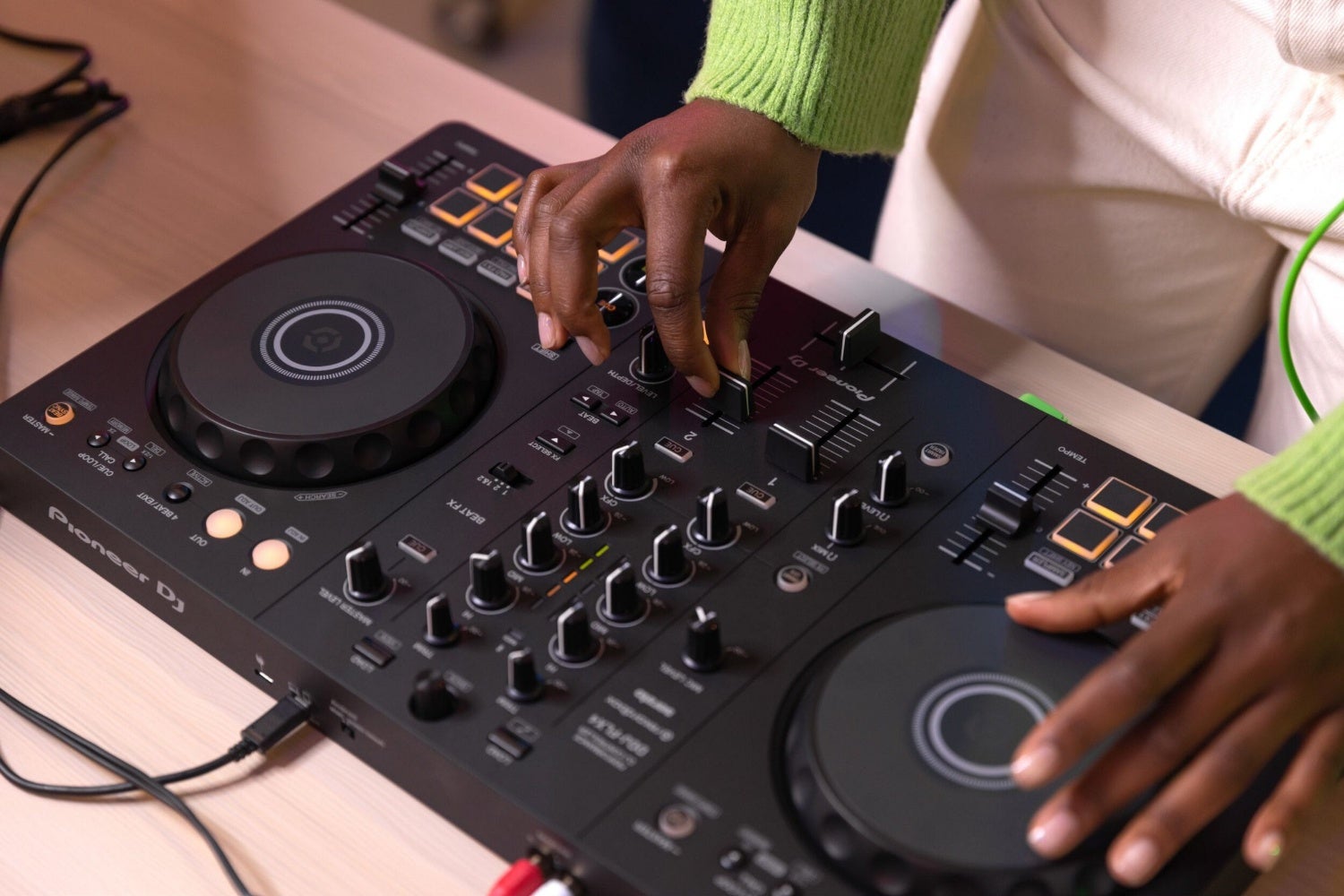
Pioneer DJ DDJ-FLX-4: a hugely popular entry-level controller
And what about the FLX2 and FLX6?
In short: the FLX2 is a stripped-down FLX4 and the FLX6 is a stripped-down FLX10. Within each pair, the number of channels is the same (two on the FLX2 and FLX4, four on the FLX6 and FLX10), so you needn’t worry about that. The differences lie in size, in which controls are and aren’t on the panel, and in the extras the pricier model gets.
The FLX2 is the smallest and most basic of the range. The mixer section consists of two channel faders, a crossfader, headphone monitoring and three knobs per channel: a 2-band EQ (high and low only) plus a Smart CFX knob. Gain control, an effects section and level meters are missing. The jog wheels are on the small side, but they are touch-sensitive, so nudging and scratching work just fine. Handily, it also works with a smartphone or tablet, so you don’t need a laptop.
At 482 mm wide and 2.1 kg, the FLX4 is considerably larger, and you notice that in the extra space between the controls. More importantly, it does have gain on each channel. If you want to be able to correct a track that’s noticeably louder or quieter than the rest, you’ll soon run into the FLX2’s limits; for practising on the sofa and your first mixes, though, it’s perfectly fine.
The 4-channel pair is a different story. The (no longer available) FLX6 (FLX6-GT) has jog wheels the same size as those on the CDJ-3000, with a display showing the playback position, and a layout that mimics the club setup of two CDJs either side of a DJM mixer. (An alternative is the DDJ-GRV6.) The FLX10 adds jog displays with waveforms, coloured rings showing which stems you’re controlling, the stems functions themselves and a DMX output – currently the only way to use rekordbox’s lighting control. If you play without stems and without a light show, the FLX6 gives you the same club routine for less money.
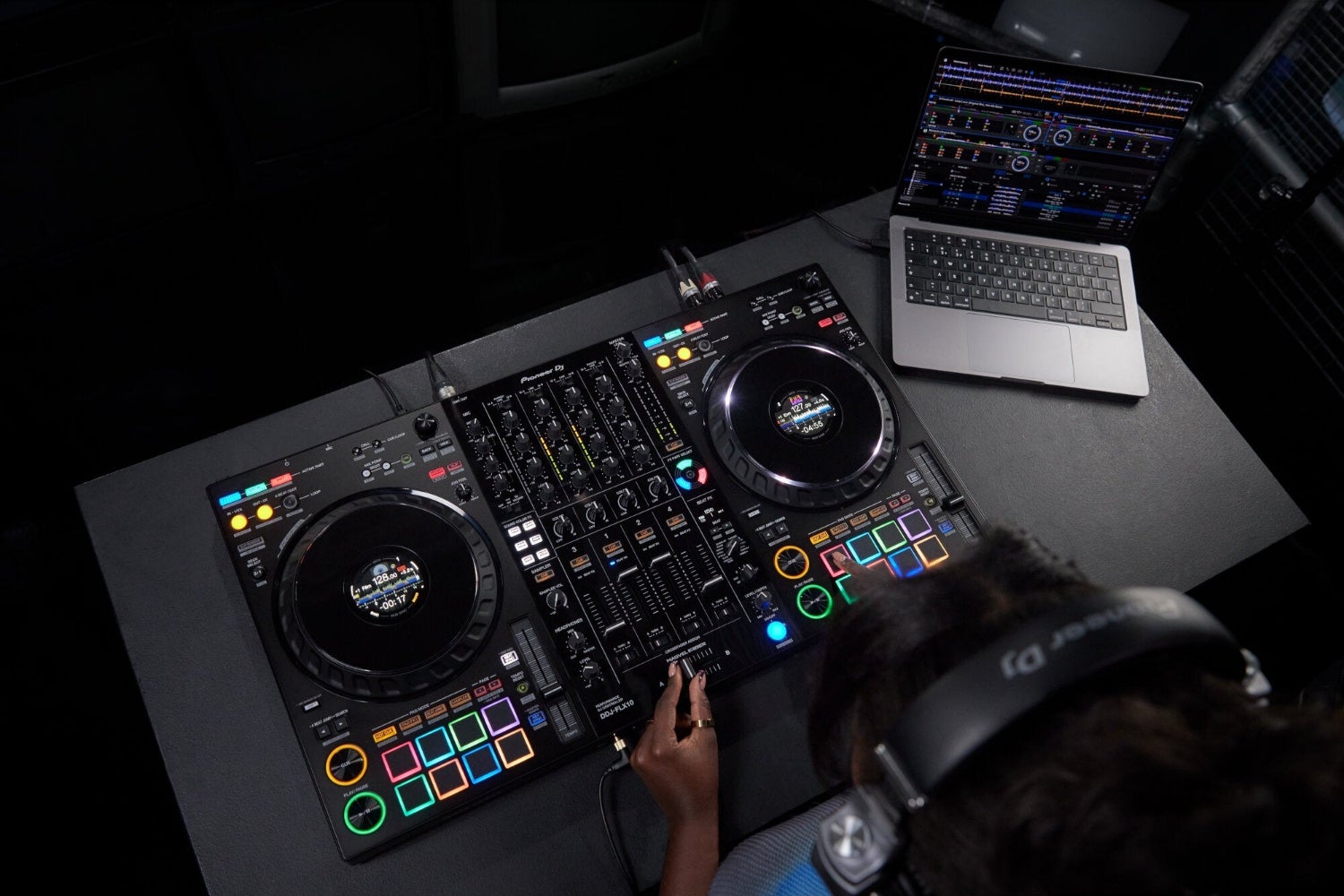
Pioneer DDJ-FLX10: all the bells and whistles
Jog wheels, pads and build quality
The FLX4’s jog wheels are small and simple, without a display, and you’ll mainly notice that when you want to scratch or wind a track back precisely. On the FLX10 they’re larger and the whole controller feels sturdier. Both have plastic housings – they’re still consumer products – but in practice the FLX4 proves more than capable of taking a knock. Incidentally, it’s the successor to the DDJ-400 and physically almost a carbon copy of it, so if you’re coming from a 400, there’s nothing new to learn.
The pads follow the same pattern. The FLX4 has two rows of eight single-colour pads made of clicky rubber, while the FLX10 has RGB pads with a softer press. That sounds like a minor detail until you’re trying to see in the dark which hot cue is where. If you mainly do smooth, flowing mixes, you’ll barely notice; if you juggle samples and cues, you certainly will.
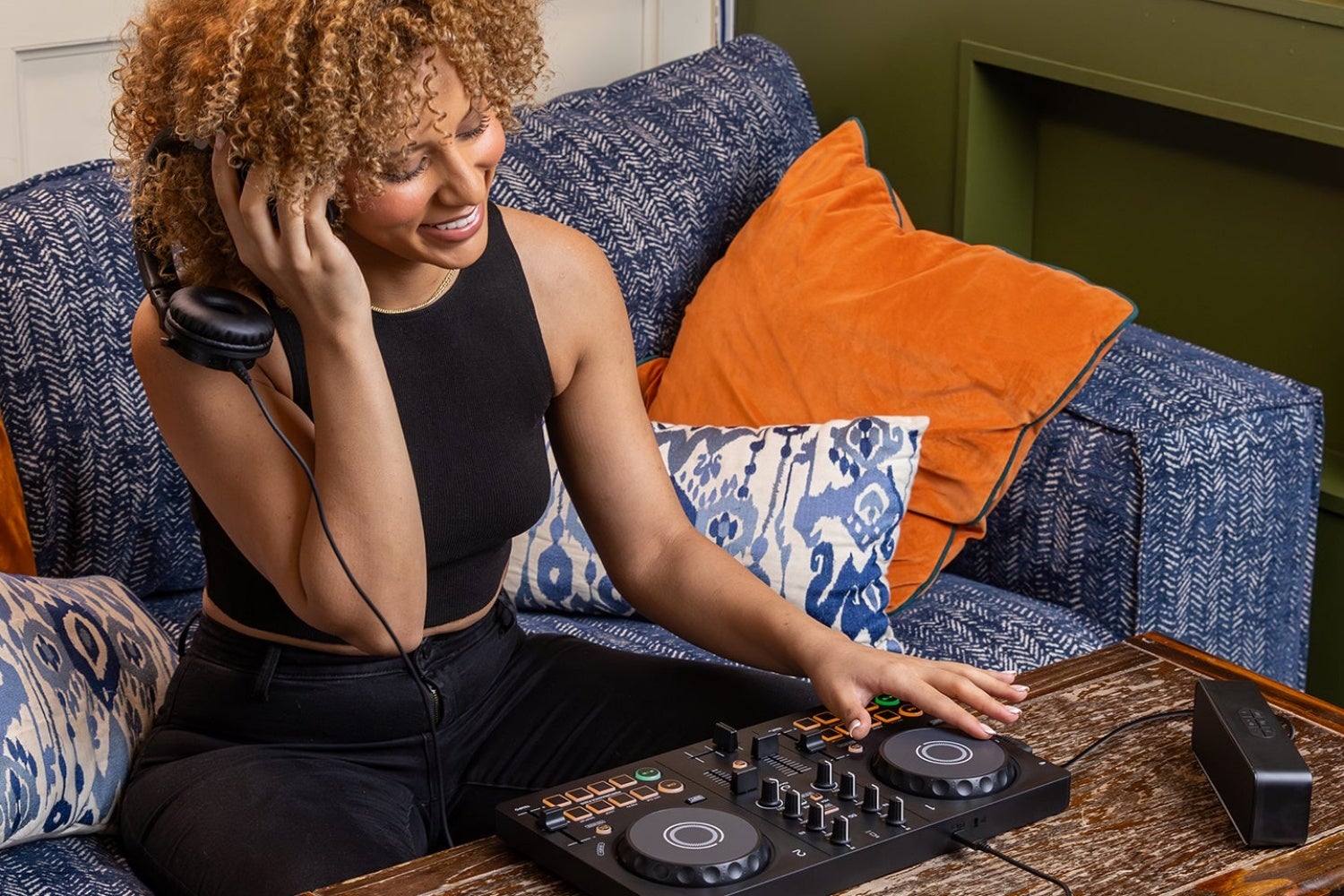
AlphaTheta DDJ-FLX2: a budget entry-level controller that still offers loads of great features
Rekordbox or Serato, and always with a laptop
Both the FLX4 and the FLX10 work with Rekordbox and Serato, and in both cases you need a laptop. Plugging in a USB stick and playing without a computer, as you would on club gear, isn’t possible. That’s the biggest limitation of the whole range, and at the same time the reason they’re so affordable: your laptop does all the processing.
You don’t need to buy the software separately. Connect the FLX4 and Rekordbox and Serato DJ Lite are unlocked, with the hardware acting as your licence key. Serato DJ Lite is the free, slimmed-down version that’s great for learning, but which you’ll eventually outgrow. Hoping to play on club decks one day? Then use Rekordbox from the start, because that’s where you’ll later prepare your music for USB sticks.
We’re deliberately cautious when it comes to streaming, including Spotify. Which services work in DJ software changes over the years and depends on the software, your subscription and sometimes your region. So check the current list from Rekordbox or Serato just before you buy, rather than assuming that what applied a year ago still holds.
» What’s the best DJ software for me?
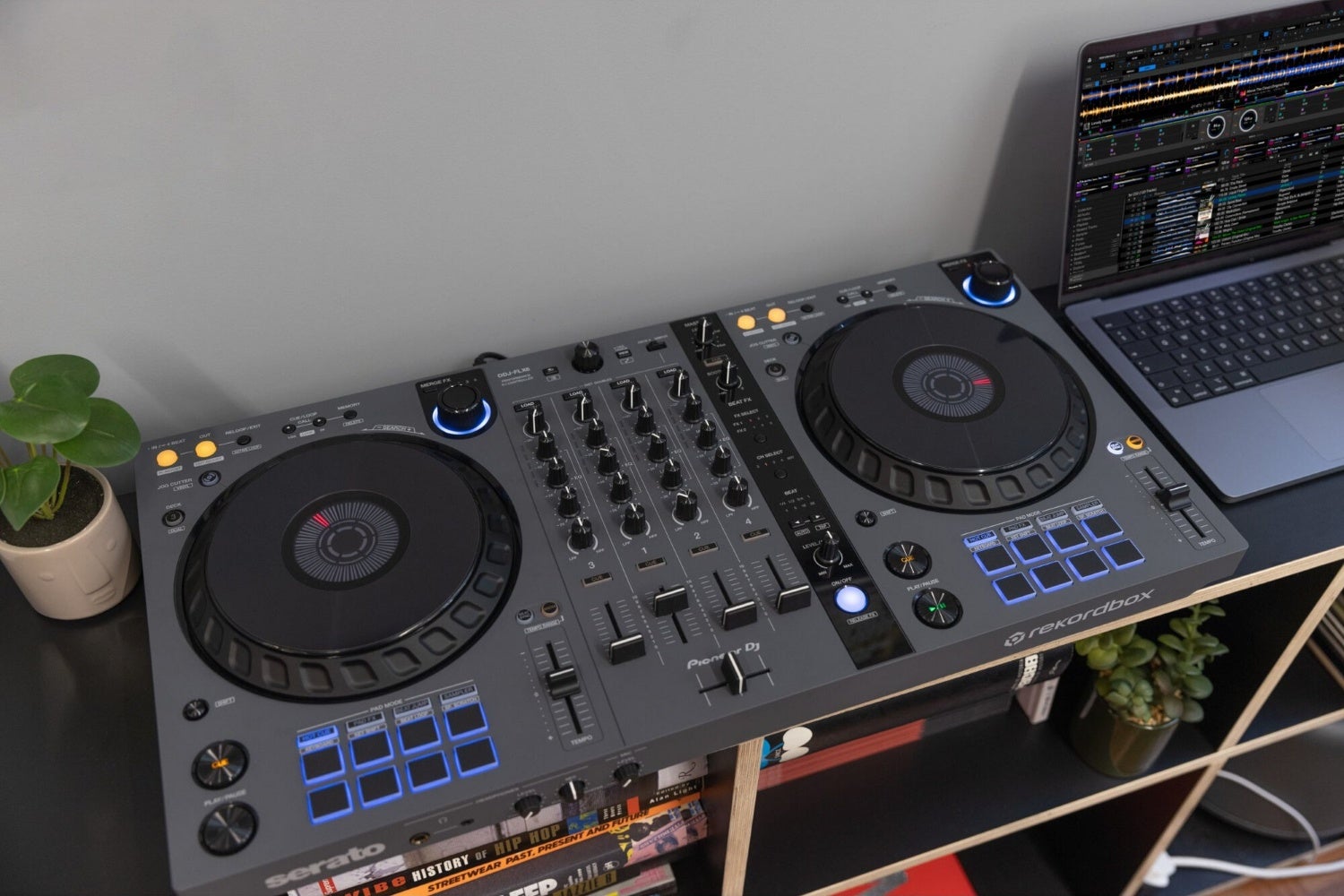
Pioneer DJ DDJ-FLX6: sadly no longer available, but fortunately there’s also the DDJ-GRV6
Smart Fader, Smart CFX and stems
Start with Smart Fader: cue up two tracks, slowly slide the crossfader across and listen. The FLX4 gradually shifts the tempo from the old track to the new one, pulls the bass out of the outgoing track and adds an echo at the end. It’s a transition an experienced DJ would need three hands for, and here it’s all under a single fader. Handy for hearing what a clean mix should sound like, but less useful if you really want to learn the craft yourself.
Smart CFX does something similar with the filter knob on each channel: a single turn combines several effects into one macro. Stems are a different ball game altogether. The software splits a track in real time into, say, vocals, drums and bass, so you can lay the vocal from one track over the beat of another. Whether and how you can control this from the hardware varies by model and software version, so look into it specifically if it’s a deal-breaker for you.
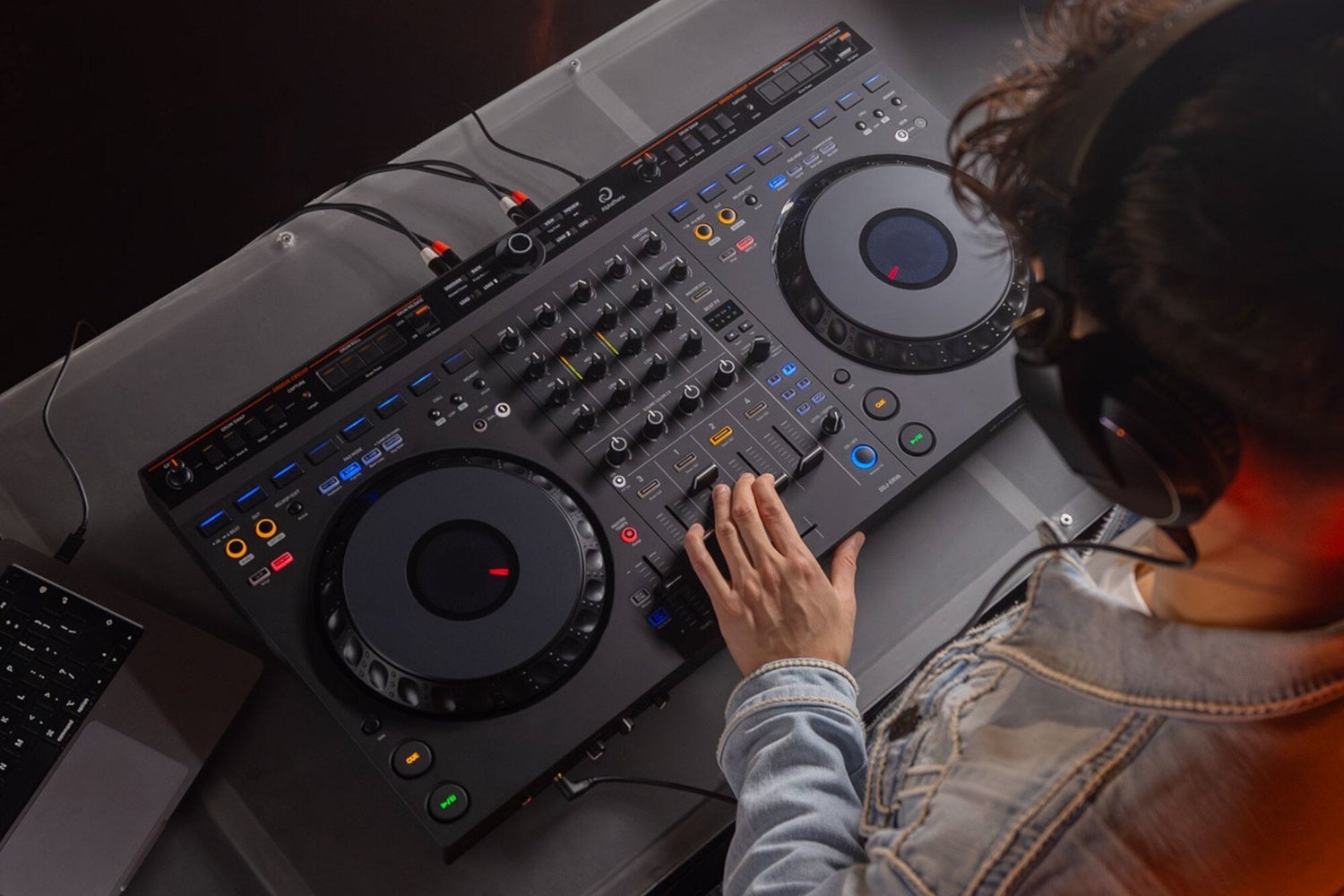
Pioneer DJ DDJ-GRV6: a good alternative to the FLX6
Microphone, booth output and external inputs
This is where you’ll find the difference that tips the balance for many people. The FLX4 has a microphone input and sends that signal over USB to your laptop. That means you can stream or record your set with your voice on it without an extra mixer or audio interface – something the DDJ-400 couldn’t do. It’s powered via USB-C from your laptop; the separate power connection only comes into play when you’re playing from a phone or tablet. These don’t supply enough power on their own, so plug a charger in: it powers the controller and keeps the connected phone topped up at the same time.
And that’s where it ends for the FLX4: no booth output, no professional outputs and no inputs for other devices. For home use or background music at a wedding, that’s no problem. But as soon as you’re playing in a venue where a monitor speaker needs to be controlled separately, or you want to connect a phone, media players or turntables, you’ll need the FLX10. It has a booth output and external inputs, and you can even use it as a regular mixer without a laptop.
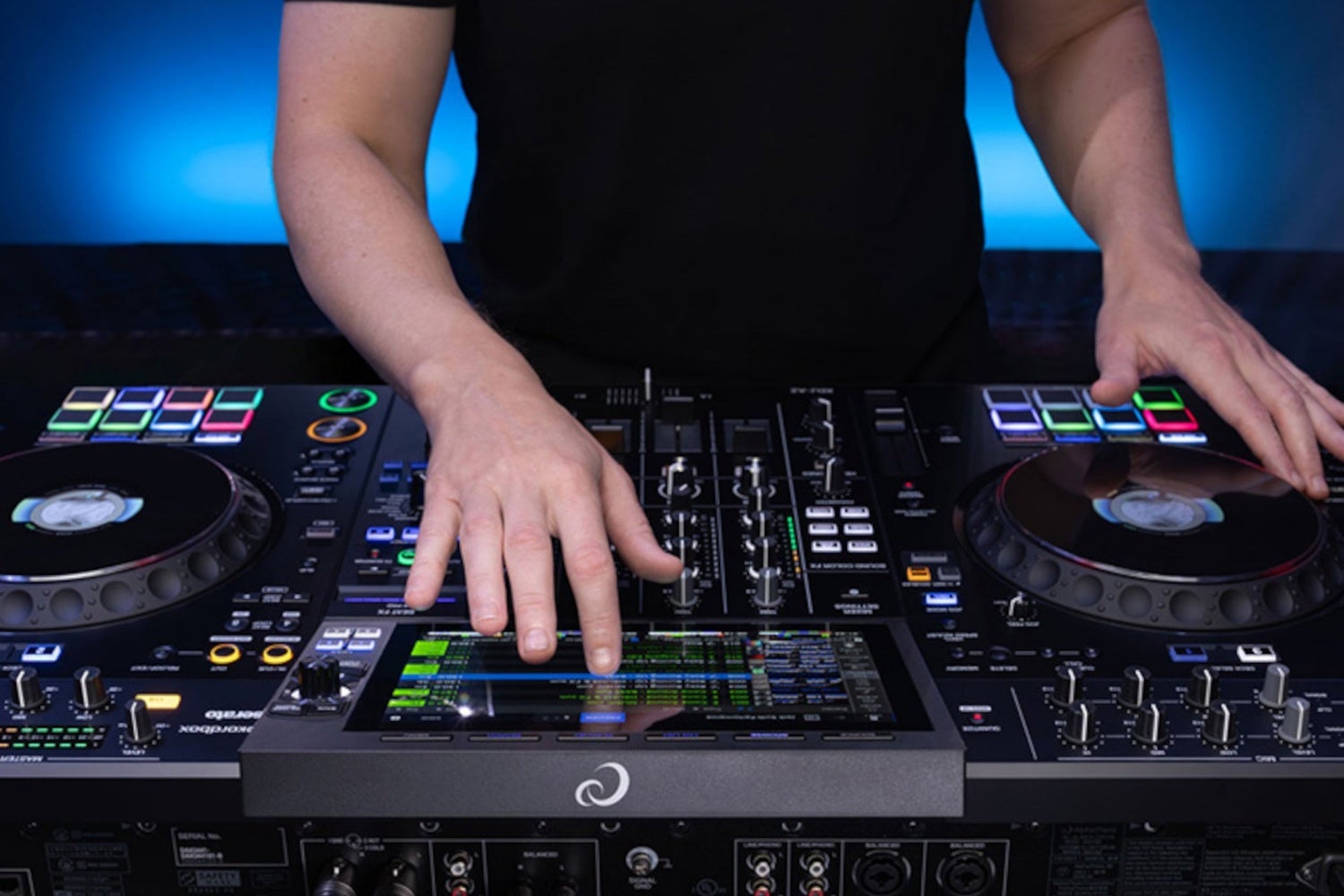
The AlphaTheta XDJ-AZ all-in-one system, for those who also want to be able to work without a laptop
Not an FLX, but another Pioneer DJ or AlphaTheta?
First, a quick word about the name: AlphaTheta is the newer company name behind Pioneer DJ. You’ll still see both names on boxes and in online shops, but the company is gradually moving over to AlphaTheta. So it’s not a competitor, just the same company with a different logo.
If you want full-size jog wheels without the price tag of an FLX10, the DDJ-GRV6 is an option: a souped-up budget controller, still made of plastic, but with wheels that feel like those on bigger gear. It’s also the first place to look when the mid-range model in the FLX series is temporarily out of stock.
If you want to ditch the laptop altogether, you’ll end up with an all-in-one such as the XDJ-AZ. This is a 4-channel standalone system with a club layout, modelled on the CDJ-3000 and DJM-A9 combination, featuring a ten-inch touchscreen, Rekordbox integration, cloud features and streaming via Beatport (subscription required). You play from USB sticks you’ve prepared in Rekordbox, and you can still hook up a laptop if you like. A club setup in a single unit, with a price tag to match.
To sum up: for learning and playing at home, go for the FLX4. Four channels, better jog wheels and proper connections for venues? The FLX10. Big wheels for less money? The GRV6. Never want to touch a laptop again and ready for the club? Then a standalone system is for you.
» DJ controller or standalone: which suits you best as a beginner?
» View all Pioneer DJ and AlphaTheta controllers



No comments yet...