
Headphones or in-ears for podcasting: do you really need them?
Published on Tuesday 3 November 2026
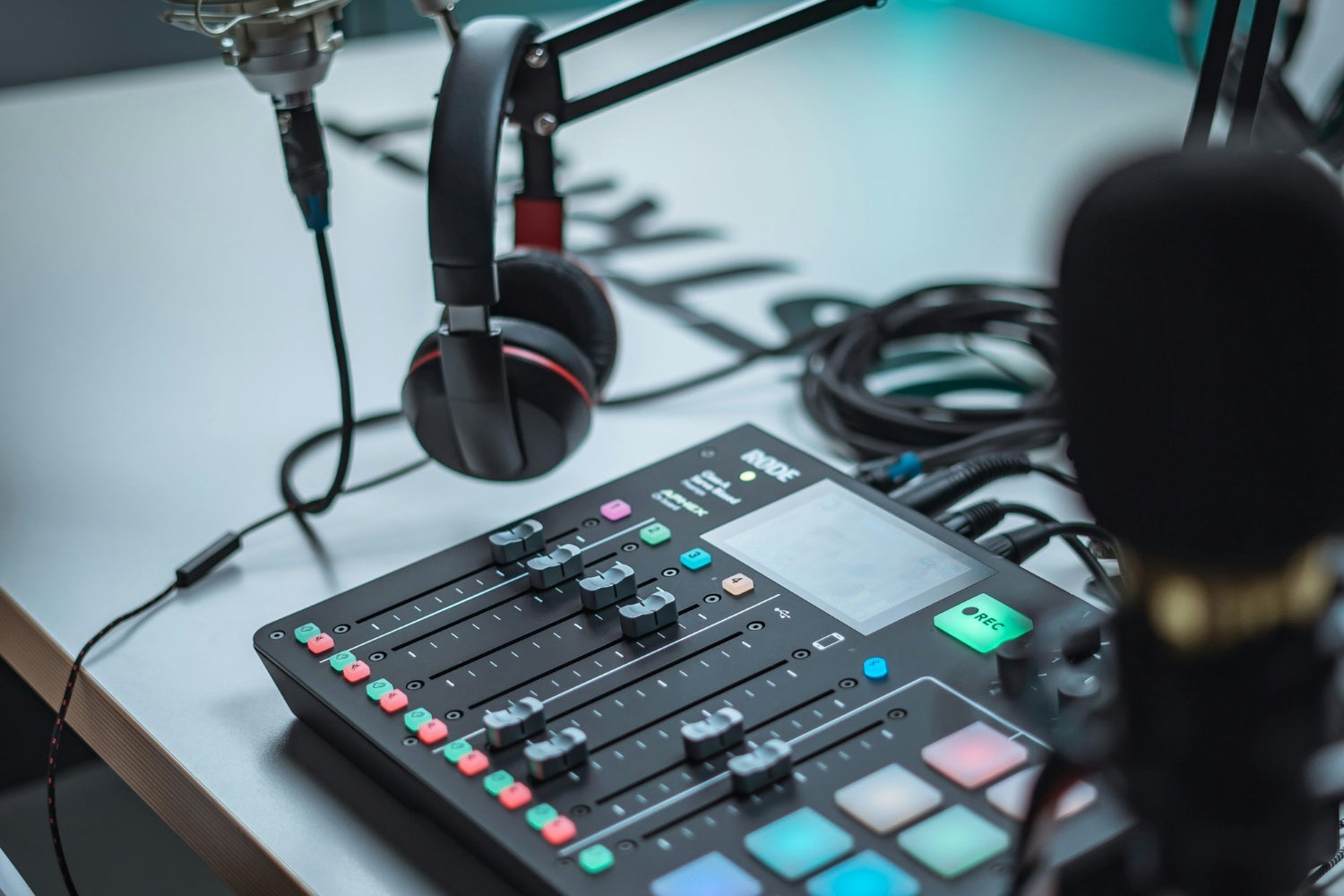
Headphones for podcasting? I put mine on before the microphone is even switched on. Yet I regularly get asked whether that’s really necessary: you’re just talking into a microphone, aren’t you? Yes, it’s necessary. If you can’t hear what the microphone hears during the recording, you’ll only discover mistakes when editing, and by then it’s too late.
Why you want to hear what the microphone hears
I learnt this the hard way: an hour-long interview, a brilliant conversation, and on playback it turned out my guest had slowly slumped back in his chair. For the first fifteen minutes he sounded full and close, then increasingly thin and echoey. With headphones on, I’d have heard that within two sentences and beckoned him forward. Your distance from the microphone determines how you sound, and it changes without you noticing during a conversation.
The same goes for plosives. P and B sounds push a gust of air into the microphone, which you hear as a small, dull thud. Without headphones you won’t notice it. With headphones you hear it straight away, along with the creaking chair, the rustling of your notes and whether you’re talking much louder than your guest. Recording without headphones is like parking without checking your mirrors: it might go fine, it might go wrong.
What about speakers? If you go to gigs now and then, you probably know that high-pitched squeal: the microphone picks up the sound from the speakers, it gets amplified, goes back out through the speakers, and so on. Not a good choice, then. Headphones keep the sound at your ears and away from the microphone (as long as you don’t turn them up too loud, of course).
» Microphones: distance and the proximity effect – How it works
» View all over-ear, closed-back studio headphones
Closed-back headphones or in-ears for a video podcast
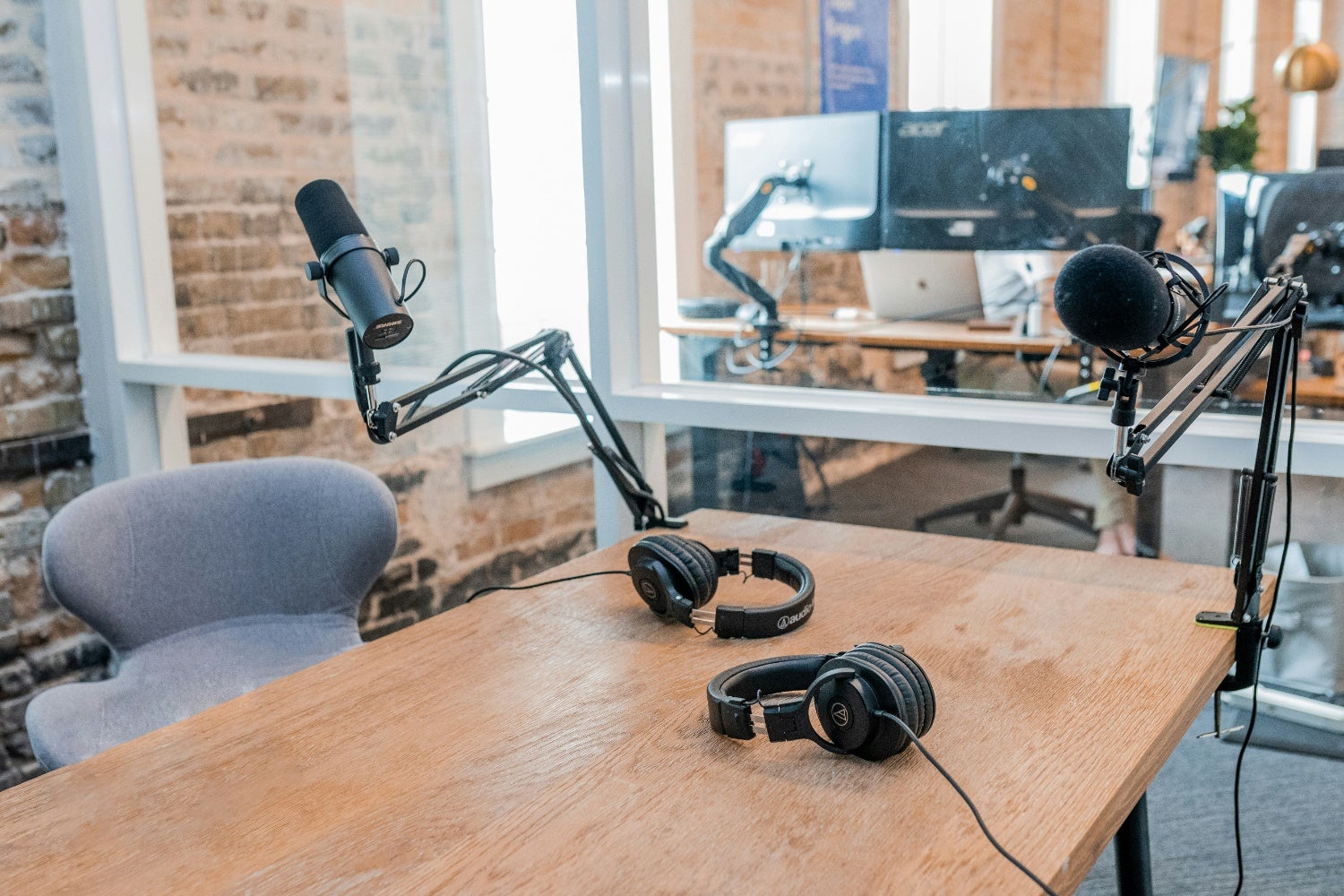
Once there’s a camera involved, headphones also become a style choice. A big pair of closed-back headphones says “we’re seriously at work” on camera, and some creators like that. Others want to look like two people chatting at a kitchen table and opt for in-ears, which are barely noticeable. Technically, both do the same job: bringing sound to your ears without the microphone picking it up.
For audio-only I reach for closed-back headphones, because they also block out the room around me. For video I use in-ears, with one lesson learnt: the cable. It runs visibly along your cheek and tugs at your ear as soon as you turn towards a guest. A clip on your shirt largely solves that. Whatever you choose, open-back headphones leak sound, and that ends up back in the microphone during quiet moments.
» View all wired earphones
» View all over-ear, closed-back studio headphones
On latency and direct monitoring
The Bluetooth earbuds you carry around anyway seem like the easiest solution. But pop them in during a recording and there’s a good chance you’ll hear yourself a fraction of a second after you speak. That’s enough to throw you off your rhythm: you start stumbling over your words and talking more slowly. It makes no difference to the recording itself, because the microphone is wired to your interface and is captured in sync as normal. The problem lies with whoever is speaking and keeps hearing themselves just too late. That’s why a cable isn’t an old-fashioned choice, but the only one that works.
You also need to bear in mind that every digital system converts sound from analogue to digital and back again, and that takes time. This becomes particularly noticeable when a signal passes through the computer and the software adds a buffer on top.
The solution is to monitor outside the computer. Many audio interfaces have a button for this, usually labelled “direct monitor”: the microphone signal goes straight to your headphones before it even enters the computer. If you hear yourself as an echo, you’re listening through the software and that button needs switching.
Several guests round the table: the headphone amplifier
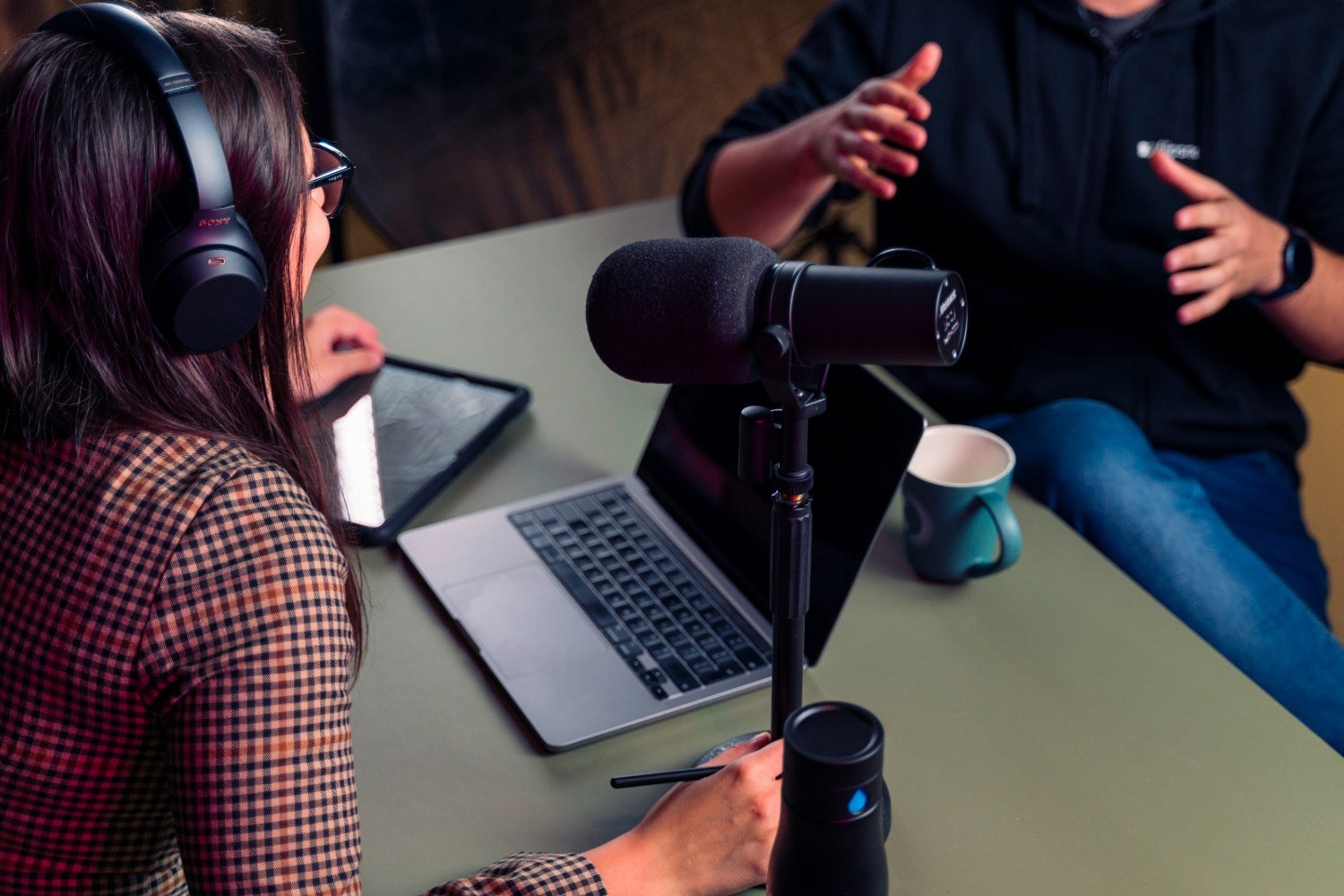
A single headphone output will get you a long way as long as you’re on your own. With two or three guests, not any more. A passive splitter cable divides the signal, but also the power: the more headphones you connect, the quieter each pair sounds. And then there’s the never-ending debate about volume: one person barely wants to hear themselves, while the other wants it almost deafening.
A headphone amplifier solves both problems. You connect it to the headphone output of your mixer or interface, and each output has its own volume knob. There are compact models with four outputs running off a mains adapter, as well as versions with six channels and tone controls per channel. Giving every guest their own volume sounds like a luxury, but it makes the difference between a guest who relaxes into the conversation and one who doesn’t.
All of this only works if every microphone runs into the same mixer or interface, otherwise you won’t hear each other. An interface/mixer with multiple microphone inputs is therefore the foundation, and you then connect the headphone amplifier to it.
» View all headphone amplifiers
» View all podcast equipment
» Podcasting with several people at once – Here’s how
 Want to turn LPs into MP3s? Here’s How to Digitise Your Vinyl
 Setting Up the Band with a PA System? Here’s What You Need to Know
 How to Breathe: For Vocalists & Musicians
 Everything You Need to Know About Making a Podcast
 Which headphones suit your digital piano? Open-back, closed-back, impedance and more
 Can You Plug Headphones into an Electric Guitar or Bass?
No comments yet...