
Battery-powered pars and wireless DMX: a light show without cables
Published on Thursday 8 October 2026
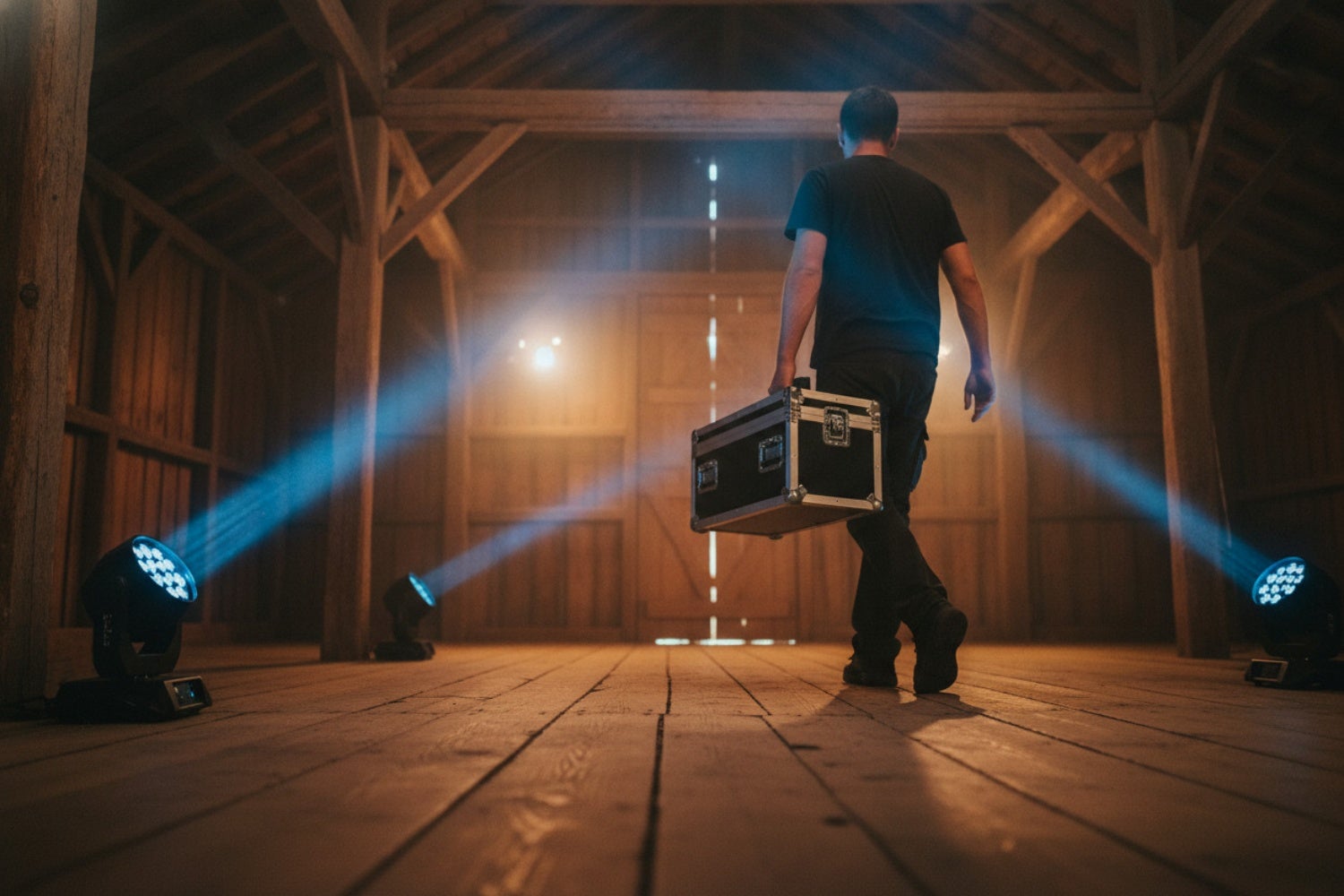
For me, battery-powered pars are the best invention in mobile lighting in recent years. The same goes for wireless DMX. And when a light has both, even better. I’ve rolled out more cables in my life than I care to remember, and usually coiled them back up long after the bride and groom had gone to bed. These days, you put the light down, pair it with the transmitter and walk away. You then pick the colour from your controller without taking a single step towards the light.
What exactly is a battery par?
A battery par is an LED par with a built-in battery. It’s the same idea as the uplighter you already know: a compact light you place on the floor and aim at a wall, pillar or curtain. The only difference is that there’s no cable attached. Battery par, battery uplighter, battery spot: different names, same thing. Brands such as Chauvet and ADJ have been making battery pars for years that you can also simply plug into the mains, for those times when you do have power nearby.
You really see how handy that is at a wedding. With wired lights, ten uplighters around a venue means ten cables along the wall, taped down, and a bridesmaid in heels who still manages to trip over one. That’s why the battery version has become the standard in the mobile DJ world. Anyone who still recommends a wired uplighter there will get a weary look and a story about an evening that turned out very differently than planned.
How wireless DMX works
Wireless DMX replaces the DMX cable between your controller and your lights with a radio signal. You have one transmitter on the controller and a receiver at each light, or the receiver is already built into the light. Think of it like a radio station: one station broadcasts, and every radio tuned to the same frequency receives the same programme. The lights don’t notice the difference. They receive their DMX values just as if a cable were plugged in.
The signal itself is hardly news, by the way. The DMX512 standard dates back to 1986, was officially approved by ANSI in 2004, and the current version is called E1.11-2008. Technically, it’s a serial data stream of 250 kbit/s with 512 channels, each with 256 steps, and the traffic only goes one way: from controller to light. That’s a modest amount of data, and it travels through the air perfectly well.
Almost all wireless DMX systems operate at 2.4 GHz, the same band as your Wi-Fi at home. There are also versions at 5.8 GHz and 900 MHz, but you’ll come across those far less often in the mobile world.
Won’t the signal drop out?
That was my first concern too, as I’m from the generation that still eyed wireless microphones with suspicion. And 2.4 GHz is busy: Wi-Fi, Bluetooth, the phones of two hundred guests all sending the same photo of the cake to their mums. Even so, wireless DMX turns out to be remarkably stable in practice. Users run weddings with it for years without any dropouts, and even in a packed showroom, teeming with radio signals, several systems keep working side by side without a hitch.
What you do need to watch out for: the transmitter and receiver must speak the same language. There are several protocols, and by no means all of them talk to each other. So ideally, buy your transmitter and receivers as a set or within a single system, so you know for sure they’ll find each other.
» Article: Wireless systems and 2.4 GHz
How long does the battery last and how do you charge it?
That depends on what you ask the light to do. An LED par draws the most power when all the LEDs are at full output, so bright white at one hundred per cent. A single colour at a gentle dimmer setting uses far less. An evening of warm amber along the wall at sixty per cent is a very different story for the battery than strobing in every colour at once. So check what the manufacturer specifies for your model and allow some headroom, because a wedding always overruns.
Charging is simple: plug the light into the mains and wait until it’s full. Do it at home, the day before. Many battery pars will also run on mains power. If there happens to be a socket next to a light after all, use it and save the battery for the lights that are far from everything.
Don’t forget the receivers. A standalone wireless DMX receiver either has its own battery or needs a power supply. In the latter case, you’ll still have to plug it in with a cable, which would be a shame. So if you want to go completely cable-free, choose a battery-powered receiver or a par with built-in wireless DMX. And the same rule applies there: charge, charge, charge.
When is the extra cost worth it?
A battery par costs more than the same par without a battery, and a wireless DMX set comes on top of that. You’ll earn that money back at venues without power points and at weddings. A barn, a beach bar, a garden with a marquee: there, the nearest socket can easily be a good fifty metres away, if there’s one at all. With battery pars, you can set up a whole ring of light there in ten minutes.
At weddings, it’s all about what you don’t see. No cables along the wall, no tape on the stately home’s parquet floor, no black snake running right through the photographer’s pictures. The venue manager is happy too, as nobody needs to come asking about their electrical circuits. Setting up is quicker and so is packing down, and since you do the latter at two in the morning, every minute counts double.
What you get for your money varies from model to model, so be sure to compare light output, colour options and what the manufacturer (or better still: actual users) say about the battery.
» 7 golden rules for the beginner mobile DJ
Does battery-powered lighting always come with wireless DMX?
No, and that’s the pitfall when buying. A battery in the housing tells you nothing about how the light receives its signal. Battery power and wireless DMX are two separate features that manufacturers add independently. You’ll find battery pars with a built-in wireless receiver, battery pars with only a wired DMX input, and models with no DMX on board at all. Check the specifications on both points.
At the budget end of the market, you’ll come across uplighters that can only be operated with an infrared remote control (alongside the usual programmes you can set manually on the light itself). With that, you can choose a colour, a dimmer level or an automatic programme, and that’s about it. Infrared also needs a clear line of sight: behind a pillar or a plant, the light won’t respond. If you want to set all the spots to the same shade at once, you’ll have to go round them one by one. That’s fine for a few lights behind the buffet, but not for a show that follows the music.
If the light does have a wired DMX input but no wireless receiver, you can attach a separate battery-powered receiver and still be cable-free. In that case, check each battery par individually to see whether it has a DMX input, because without that connection the light falls outside your central lighting control, wireless or not.
» Which DMX lighting controller is best for me?
» View all battery-powered lighting
» View all wireless DMX systems
How to set up your cable-free show
Start with the controller. Connect the transmitter to it with an ordinary DMX cable, or choose a controller with a built-in transmitter. Then the lights: each battery par gets a DMX address, exactly as when working with cables, and you plug a battery-powered receiver into it, or you choose pars with the receiver already built in. Switch everything on, pair the receivers with the transmitter as described in the manual, and your controller will talk to every light as if there were a cable in between.
Budget option: if you don’t want to buy a separate receiver for each light, there’s a cheaper middle ground. Get a simple set with one transmitter and one receiver: the transmitter goes on the lighting controller as usual, and the receiver only on the first light. From there, you daisy-chain the signal to the next lights using ordinary DMX cables. The long run from the controller to the lights disappears, and you only need the shorter cables between the lights themselves.
One final tip from someone who learned it the hard way: test the whole set-up at home, in your living room, the day before. Charge everything, set the lights to the colour of the theme and walk around them. That way, you’ll know exactly what you’re doing on the day itself.
» View all DMX cables
» What’s the difference between DMX and XLR cables?
 Want to turn LPs into MP3s? Here’s How to Digitise Your Vinyl
 How to Breathe: For Vocalists & Musicians
 Setting Up the Band with a PA System? Here’s What You Need to Know
 How to Tune Up & Play a Guitarlele
 What is DMX? Learn about lighting control and what you need to get started
 Vocal Damage: How Does it Happen?
No comments yet...