
What's the Best Monitor Controller for Me? |
|
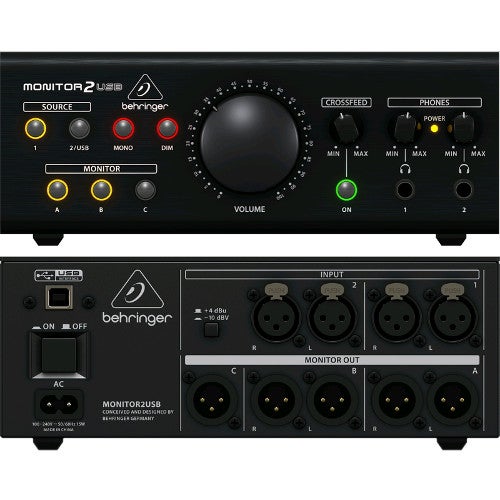
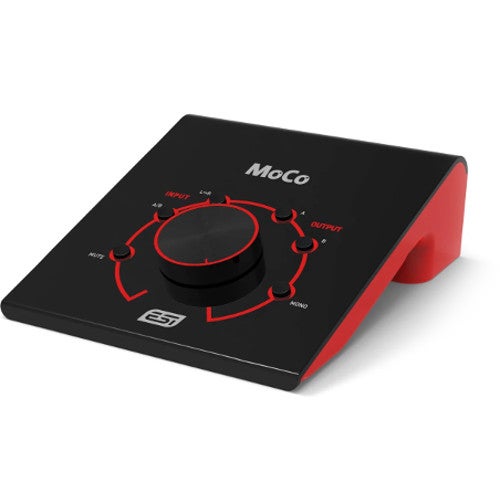
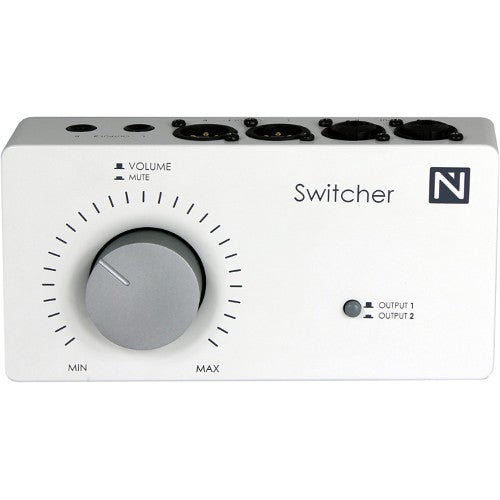
Any serious producer or sound tech needs comfortable and accurate control over the sound of their studio monitors. For this reason, you'll find a monitor controller in most studios, whether professional or at home. But which controller is the right one for you? In this Guide, we offer answers to your most frequent questions about monitor controllers. If you can’t find the answer to your question here, feel free to contact us! 1. What is a Monitor Controller?A monitor controller is a kind of mixer that’s specifically designed for studio monitoring (listening back to and mixing recordings). The most straightforward models are simply connected up to a pair of studio monitor speakers and an audio source like an audio interface. Using a (usually big) control knob, you have easy control over the volume of the audio source, which can be useful if your audio interface isn’t set up within easy reach. Often, you can also connect up an extra set of monitors and then, using an A-B button, flip between the two sets of speakers. Monitor controllers also tend to offer a few audio source connection options, so you can also hook up external audio players and other equipment.
2. Do I Need a Monitor Controller?A monitor controller is essential if you're using a more extensive studio setup. It enables you to quickly switch between two monitor pairs; check how your mix sounds with an added subwoofer; and hear how it actually sounds in mono. All of these are typical functions that any standard monitor controller offers. A monitor controller can also be useful during recording sessions. If it has a ‘cue function’, then you can send the recording musician their own monitor mix, separately from the main mix. Also, you can get controllers that include a ‘talk-back’ function (see Question 8). If you have an extensive studio, then a monitor controller fitted with a big volume knob is always going to be more comfortable and accurate than the volume knob of your audio interface.
3. What’s the Difference Between Passive and Active Monitor Controller?A passive monitor controller only offers functions that don’t require any power. For example, the volume, an A/B switch, and a mono/stereo switch. For features like a headphone output, a talk-back microphone, or converters, power is always needed, so only active monitor controllers offer these features (see Question 4).
4. Will a Monitor Controller Affect the Sound of My Studio Monitors?Monitor controllers are designed to do nothing more than adjust the volume of your studio monitors. In practice, an active monitor controller may add a tiny bit of colour to the sound. But if you want a really transparent active controller that doesn’t affect the sound at all, then they can get much more expensive. If you just want a good volume control knob and an A/B switch, then a passive monitor controller will be perfect.
5. Can I Connect More than One Set of Speakers Up to a Monitor Controller?Often, yes. Sometimes the controller allows you to connect up and switch between two sets of speakers, and sometimes you can set it up to switch between three or even four sets. There are also monitor controllers fitted with a separate subwoofer output, so you can combine your sub with different speaker setups, or quickly check how the mix sounds without a sub (see Question 6). Further, there are some controllers that are specifically designed for 5.1 surround-sound setups. » Monitor Controllers for Multiple Monitor Sets
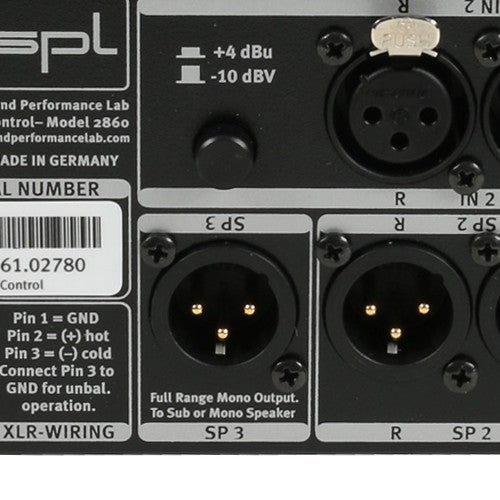
6. Can I Connect a Subwoofer to a Monitor Controller?In addition to multiple speaker outputs (see Question 5), some monitor controllers also come fitted with a dedicated subwoofer output. This output is normally clearly marked ‘Sub’ or ‘LFE’ (Low Frequency Effects). Linking your subwoofer up to a controller means that you don’t have to reach under your desk to turn it on or off to check how your mix sounds without or without the sub. Another benefit is that you can combine different monitor setups with a sub.
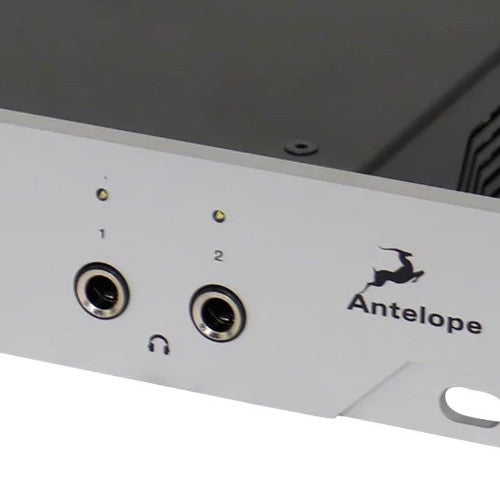
7. Can I Also Connect a Set of Headphones Up to a Monitor Controller?Most active monitor controllers will have one or even two headphone outputs. With more extensive controllers, you can select what’s sent through the speakers and what’s sent to the headphones independently.
8. Can I Connect a Microphone to a Monitor Controller?Monitor controllers that also function as an audio interface (see Question 10) often have one or more microphone inputs. Depending on the controller, you can use it to make recordings or connect up a talk-back microphone. A talk-back microphone can save you a lot of yelling and time since it functions as a kind of intercom system so you can speak to the performer in the recording booth. Some monitor controllers even come fitted with built-in talk-back microphones. » Monitor controllers with Talk-Back Function
9. Can I Listen to Multiple Audio Sources Using a Monitor Controller?Some monitor controllers have multiple audio source inputs. So, as well as connecting your audio interface, other external audio equipment can be connected, or multiple outputs can be taken from your audio interface. This enables you to do things like send the mix through one output and a reference track through another. Using a monitor controller, you can then switch between the two signals at the push of a button. » Monitor Controllers with 1 Input
10. Can I Connect a Monitor Controller Directly to My Computer?Some monitor controllers also function as an audio interface. In this case, you can connect it up to your computer via USB or Thunderbolt. These monitor controllers have built-in D/A (digital to analogue) converters, making it possible to send the digital audio signal from the software of your computer to your monitor speakers directly via your monitor controller, without the need for a separate audio interface. If the controller also has A/D converters (analogue to digital), then you can also record.
Links & More InformationProduct Categories» Monitor Controllers Blogs & Buyer’s Guides» Studio Monitor Buyer's Guide
|