Based on more than 21,240 customer reviews
Assortment
Offers & Promos
Information

Compare Products

Looking to buy a guitar, microphone, or DJ controller? Wondering how to quickly spot the differences between various models? To make things easier, Bax Music has a product comparison tool. This lets you quickly and clearly view the specifications of two or more products side-by-side.

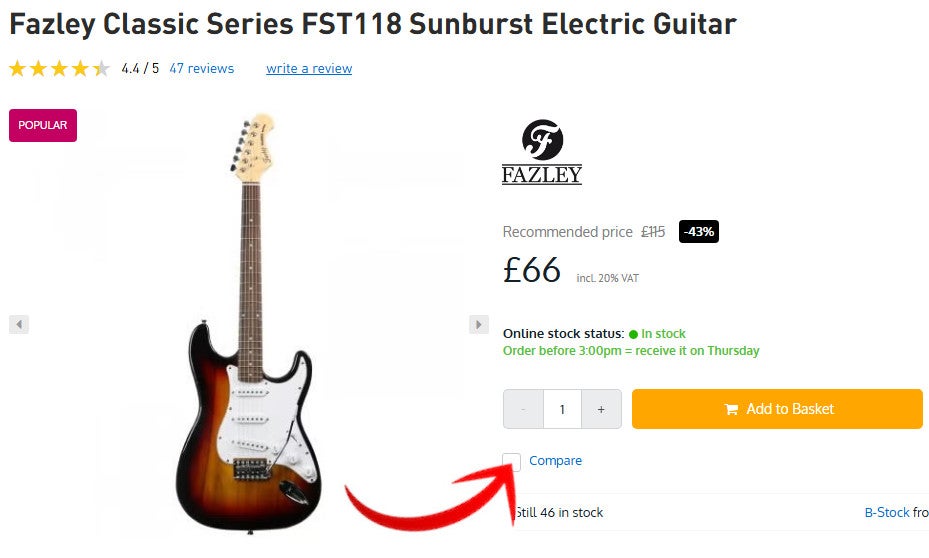
Comparing from a Product Page?

  • 1. Are you on a product page? Tick 'Compare' (just below the 'Add to Basket' button).
  • 2. Do the same for one or more other products.
  • 3. Once you're ready, simply click 'Compare' at the bottom of the page.


Comparing from a Product Page?


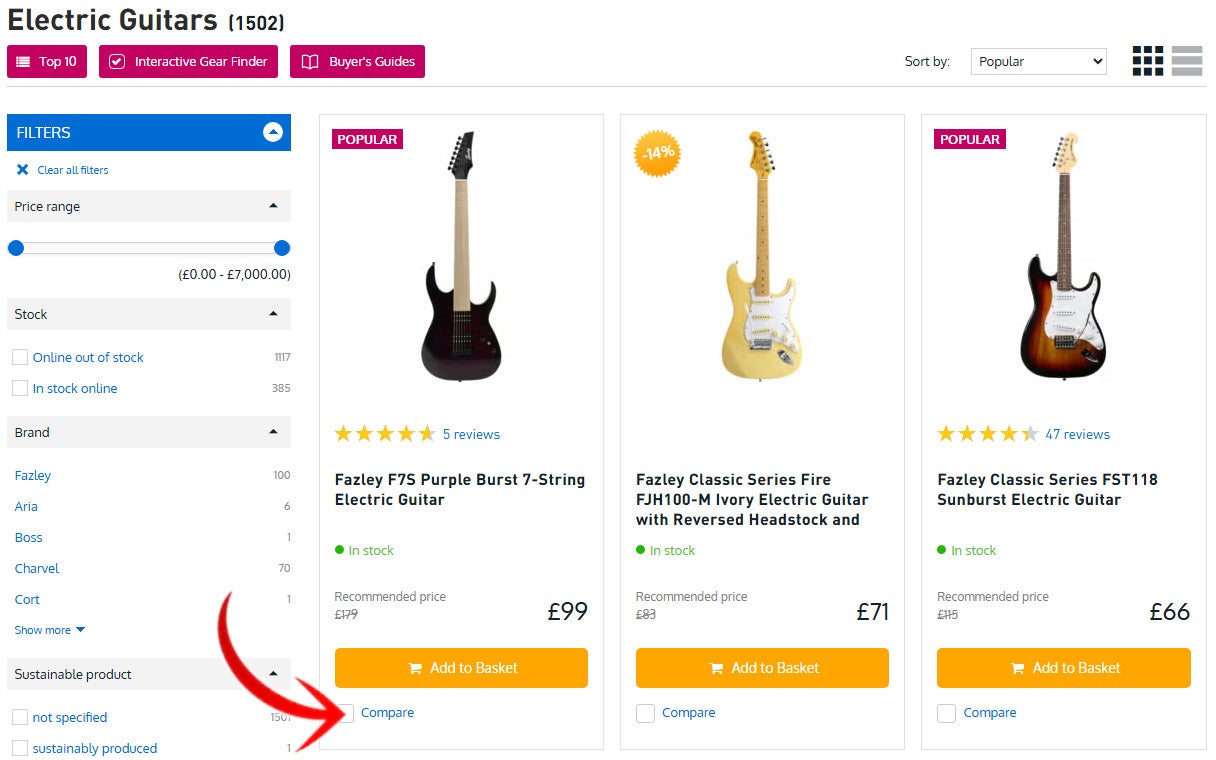
Comparing from the Product Overview?

  • Let's say you want to compare electric guitars. Head to the product overview page for all electric guitars.
  • You don't need to go to a product page. Just tick the box next to each guitar you want to compare.
  • Once you're ready, simply click 'Compare' at the bottom of the page.


Comparing from the Product Overview?


Directly to Your Basket

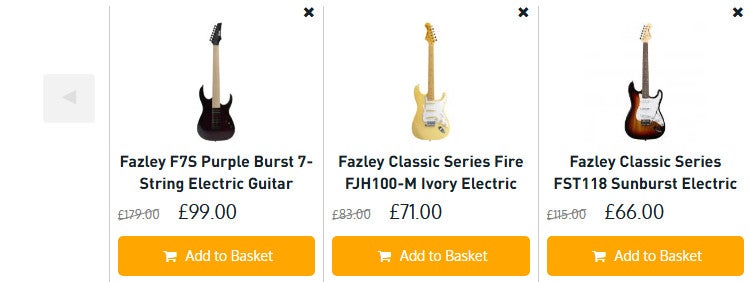
From the comparison tool, you can:

  • Add your desired product directly to your Basket.
  • Click through to a product for more information (just click on the image or title of the product).
  • Remove a product by clicking the 'x' above it.

You can add a maximum of ten products to the comparison tool.

Directly to Your Basket


Compare your gear (1/10)