General
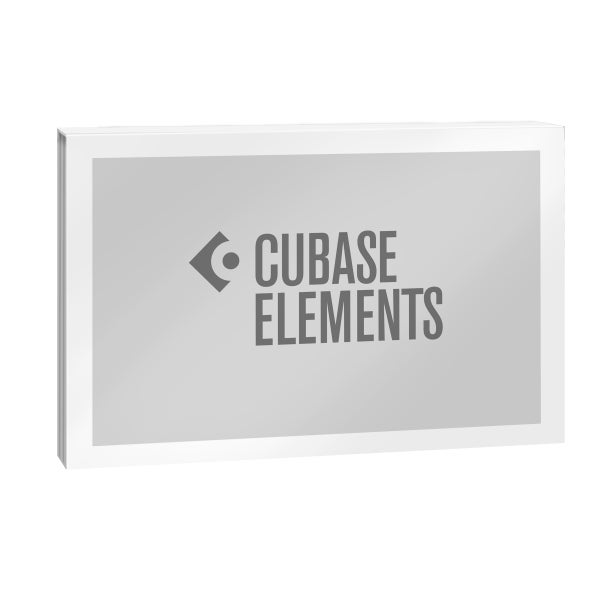
For decades, Cubase has represented way more than just audio editing software. It's an institution - an international treasure that even the most green of producers and musicians will have heard of. Keeping things clean, straightforward and ultimately cheaper for the beginner producer and home-recording musician, Cubase offer up a high-end, entry level title in the tight form of Elements 13. This DAW might give you the bare minimum, but in the case of Elements, the minimum is more than enough. Via the smooth and intuitive layout, you can comfortably learn the tools of the trade, master them and, if you are left wanting more, you can simply take the next step up to a bigger package.
What 's new in Cubase Elements 13?
Besides a few small tweaks and bug-fixes, Elements 13 comes with some new features on the side. To improve the workflow even more, there's no longer any need to switch between the arranger and mixer windows. Instead, a new Channel Tab has been added: a small strip on the left where you can quickly tweak the levels and sends without having to click away. Via Chord Pads, figuring out chord progressions just got quicker than ever and, to enhance the whole recording and mixing experience, the mixer window has been freshened up with a new look.
Iconica Sketch
Iconica Sketch is definitely one of the standout additions to Cubase 13. This virtual instrument has been pre-loaded with a bank of thirty-four orchestral sounds, each with various articulations and each amounting to 5 gigabytes of material, basically meaning that any producer that's starting out with nothing can immediately play around with some blasting orchestral sounds.
Download Product
- This product is a download. After completing your purchase, you'll receive a packing slip via e-mail which includes the download code and download link.
- It can sometimes take a little while for the packing slip to reach you. Please make sure to check your spam or junk folder.
- Download products sent by e-mail cannot be returned.